
Feature Guide
Blocklist Project Lists
Social Browser now supports optional blocking with lists from the Blocklist Project.
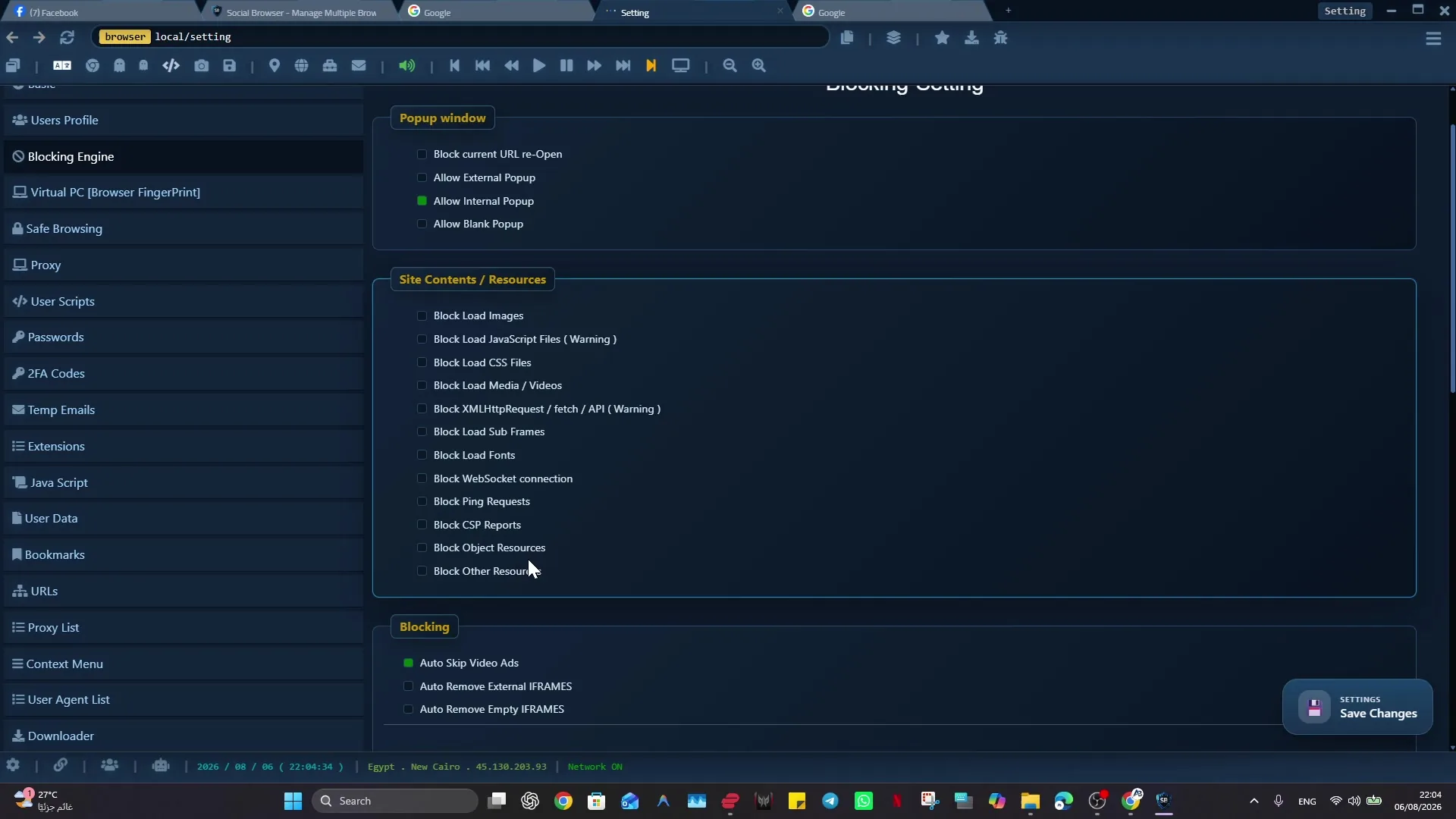
Social Browser now supports blocking any compatible list from the blocklistproject/Lists project. This gives users a simple way to choose the categories they want to block instead of forcing one fixed blocking policy for everyone.
The feature is optional. Users can enable lists for ads, porn, malware, phishing, tracking, scam, gambling, piracy, torrent, social platforms, or other supported categories from the Blocklist Project repository. If a user does not want a category blocked, they can leave that list disabled.
What Users Can Block
- Ads and aggressive advertising domains.
- Porn and adult-content domains when family or workplace rules require it.
- Malware, phishing, scam, fraud, ransomware, and other security-risk lists.
- Tracking domains that reduce privacy during normal browsing.
- Any other supported list provided by the Blocklist Project repository.
How It Works In Social Browser
- Open the blocking or privacy controls in Social Browser.
- Choose the Blocklist Project category list you want to use.
- Enable only the categories that match your personal, family, team, or business policy.
- Keep unwanted categories disabled so browsing remains flexible.
- Review enabled lists regularly as your workflow or team policy changes.
Optional Lists Instead Of One Fixed Filter
| Need | Optional Social Browser support |
|---|---|
| Cleaner browsing | Enable ads and tracking lists. |
| Family or school safety | Enable porn, gambling, drugs, or similar category lists. |
| Security-focused browsing | Enable malware, phishing, scam, fraud, and ransomware lists. |
| Team policy control | Enable only the categories that match your organization rules. |
User Choice And Local Control
This feature is designed as a user-controlled browser protection layer. Social Browser should help users make safer choices without hiding how blocking works. Users decide which lists are active, and browser data, sessions, passwords, cookies, and profile state remain on the customer's device.
Block lists can reduce unwanted domains, but no list is perfect. Users should still review important sites, keep Social Browser updated, and choose lists that match their own rules and local laws.
Practical Setup Check
Blocklist Project Lists: Use a non-critical Profile and confirm the website still loads and behaves as expected after the change. Advanced blocking or browser settings can affect website behavior. Change one category at a time and test a trusted site.
Video tutorials
Conclusion
Blocklist Project Lists support makes Social Browser blocking more flexible. A user can block ads only, enable stronger family protection, add security-risk lists, or combine categories for a stricter profile. The important point is choice: Social Browser now supports the lists, but the user decides what to block.