
How to Manage Multiple Client Logins Without Mixing Browser Sessions
A practical client-account browser workflow: separate sessions, name profiles, control access and prevent accidental cross-client changes.
Read guideLearning Center
Explore 88 practical guides to browser Profiles, automation, AI, proxies, and team workflows. Search a topic or follow a learning path.
Selected reading
All articles
Search by topic or choose a category. Start with 12 results and load more as you go.
88 articles match
A practical client-account browser workflow: separate sessions, name profiles, control access and prevent accidental cross-client changes.
Read guideA repeatable browser setup for virtual assistants: client context, permissions, handoffs, safe automations and daily operating checks.
Read guideOrganize multiple Shopify store admin sessions, permissions, testing and daily operations without confusing customers or orders.
Read guideSafely operate several WordPress admin dashboards: separate browser profiles, staging workflows, roles, updates and change logs.
Read guideAn agency workflow for handling multiple Facebook Pages with approved access, identity checks, content approvals and browser profiles.
Read guideA system for organizing social account access, approvals, campaign assets, schedules and reporting across different brands.
Read guideBuild a scalable naming convention for browser profiles with ownership, account purpose, client identifiers, lifecycle and archival rules.
Read guidePrevent cross-store support mistakes with clear browser contexts, customer-data boundaries, escalation rules and response quality checks.
Read guideA guide to persistent authenticated browser sessions for legitimate automation, including session expiry, MFA, verification and secure profile storage.
Read guideCompare Playwright persistent contexts with desktop browser profiles: storage, lifetime, test isolation, debugging and team workflows.
Read guideManage Chrome user-data profiles for Selenium tests without reusing sensitive personal sessions or creating flaky cross-test state.
Read guideDesign safe browser automation retries, timeouts, checkpoints, failure taxonomy and recovery for authenticated workflows.
Read guideDesign approval checkpoints for browser AI agents: financial actions, account changes, customer communication and uncertain outcomes.
Read guideTest role permissions, onboarding, notifications and access control using isolated user sessions and a repeatable role matrix.
Read guideCompare visual browser recording with JavaScript automation across reliability, maintainability, testing, team skills and governance.
Read guideUnderstand agentic browsers, the accessibility tree, tool control, task planning, website state and human oversight.
Read guideLearn how the Model Context Protocol connects AI clients with authorized browser tools, Profiles and safe workflow actions.
Read guideCompare MCP, Playwright and Puppeteer by purpose, deployment, test support, account context, integrations and operational control.
Read guideA security model for AI agents acting on authenticated sites: permission scope, session handling, prompt injection, reviews and logs.
Read guidePractical safety boundaries for browser AI: allowed origins, step verification, consent, timeouts, rollback and human escalation.
Read guideBuild robust AI browser tasks with typed failures, idempotent operations, state checks, limited retries and approval gates.
Read guideEvaluate Linux browsers for isolated accounts and persistent workspaces, including Chromium profiles, Firefox containers and Social Browser.
Read guideCompare native Chrome profiles and managed browser workspaces for account isolation, team organization, automation and maintenance.
Read guideSafely validate SOCKS5 proxy connectivity, authentication, DNS behavior and per-Profile network isolation in browser workflows.
Read guideA practical regional QA framework using approved network endpoints, locale settings, pricing checks, reproducible screenshots and browser profiles.
Read guideA neutral comparison checklist for AdsPower RPA and local browser workflows, focusing on environment, control, permissions, costs and recovery.
Read guideEvaluate alternatives to GoLogin for developers who care about local Profiles, APIs, scripting, testing, security and reproducibility.
Read guideCompare hosted browser infrastructure with locally managed browser Profiles, including session security, scaling, debugging and economics.
Read guideAn operational comparison of Microsoft Power Automate Desktop, Playwright and visual browser recording for office and web workflows.
Read guideChoose between Playwright, Selenium, Puppeteer, Power Automate Desktop and Social Browser by team skills, workflows, security and proof of success.
Read guideA practical installation guide for Social Browser on Windows, including trusted download sources, setup location, updates, and first launch checks.
Read guide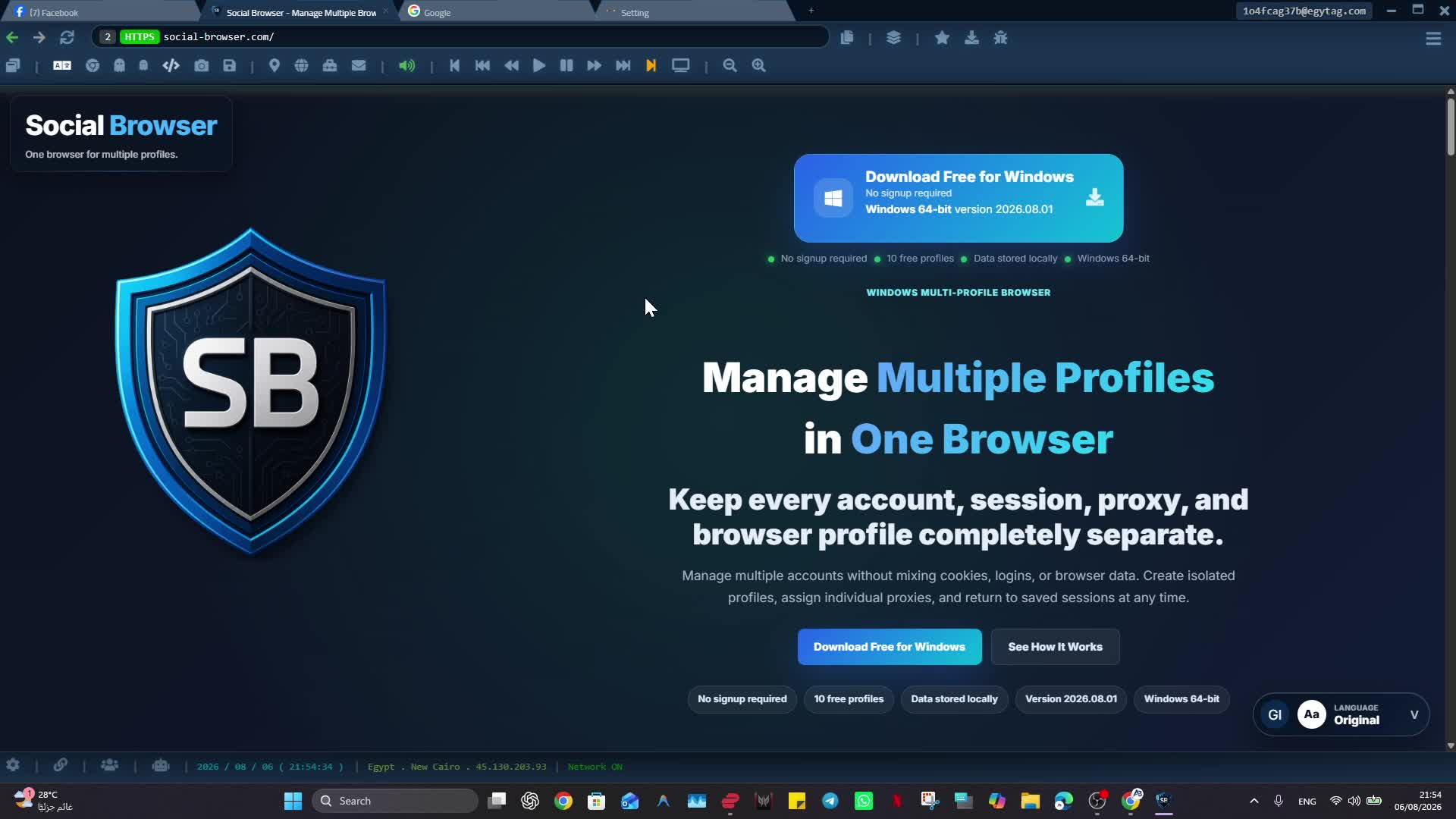
A safety-focused guide to the Social Data folder in Social Browser, including backups, migration, and sensitive profile data handling.
Read guide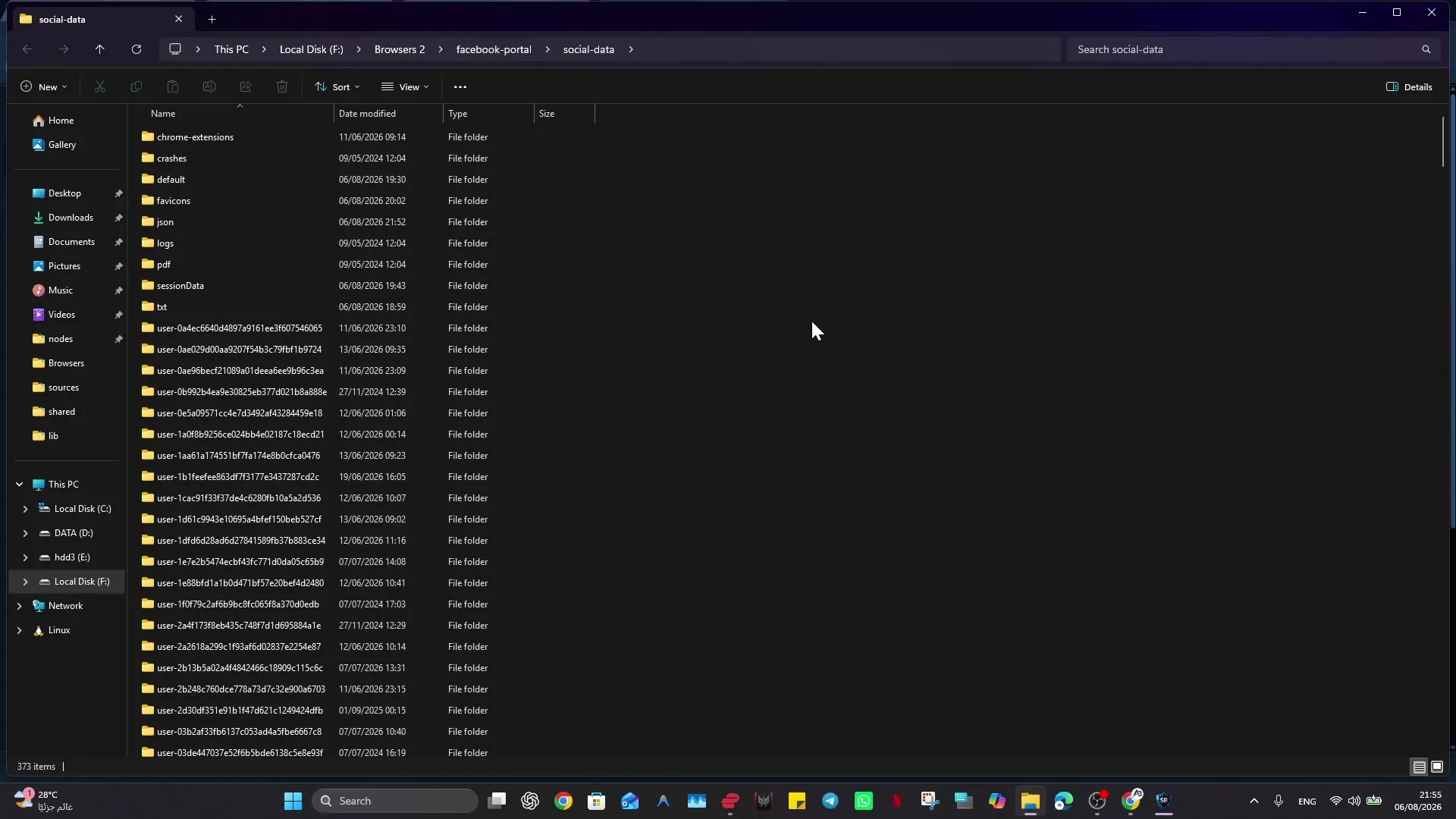
A step-by-step guide to creating, editing, hiding, showing, and cautiously restoring Social Browser profiles.
Read guideA practical explanation of Social Browser profile isolation for sessions, cookies, local storage, browsing state, and profile settings.
Read guideA responsible guide to configuring user-supplied proxies per Social Browser profile and checking the result safely.
Read guideA troubleshooting checklist for websites that fail to load correctly in Social Browser, covering compatibility modes, blocking, JavaScript, proxies, and site data.
Read guide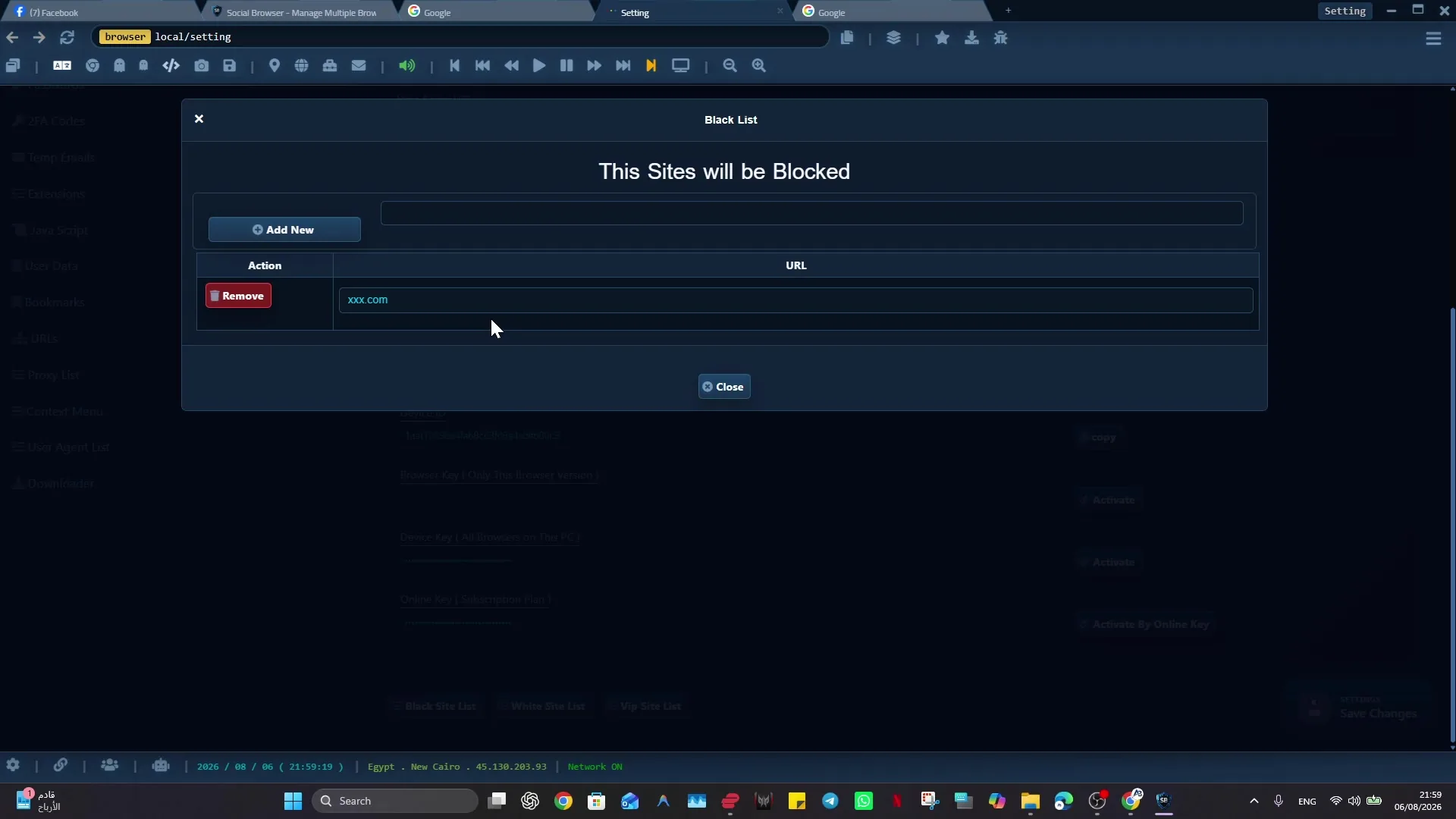
A focused troubleshooting guide for Social Browser profile proxy connection failures and incorrect IP or region results.
Read guideA responsible positioning guide explaining that Social Browser is a professional multi-profile browser, not a promise of hidden browsing, account acceptance, or platform-rule evasion.
Read guideModern web work needs separate profiles, repeatable setup, team handoffs, browser automation, and clear review in one place.
Read guideMarketing teams need speed, but account safety depends on controlled account context, clean separation, and disciplined handoffs.
Read guideDevelopers can use controlled profiles, scripts, and browser automation to build repeatable web workflows without losing context.
Read guideProfile isolation is the practical foundation for safer accounts, cleaner testing, reliable automation, and organized team work.
Read guideTraditional browsers are built for general use. Controlled browsing platforms are built for account context heavy work, automation, and teams.
Read guideA practical guide to cleaner account boundaries, repeatable profile setups, and safer professional browser operations.
Read guideWhy browser automation works better when scripts, profiles, and browser state are designed as one controlled platform.
Read guideA practical explanation of how profile isolation reduces account confusion, testing drift, handoff mistakes, and workflow risk.
Read guideHow developers can use Social Browser to connect scripts, custom extensions, profile state, and workflow automation responsibly.
Read guideWhy marketing teams need a dedicated multi-profile browser for campaigns, client accounts, reporting, and safer daily execution.
Read guideA safe, policy-aware look at organizing affiliate campaign work with profiles, sessions, proxies, notes, and team process.
Read guideHow practical browser-level privacy controls support safer sessions, cleaner profile boundaries, and more responsible operations.
Read guideWhy modern teams need browser setup built around profiles, profiles, ownership, and repeatable process.
Read guideHow a trusted extension engine can make browser customization more controlled, useful, and aligned with professional workflows.
Read guide
How Social Browser helps teams combine safety, organization, productivity, and responsible browser operations.
Read guideA clear introduction to Social Browser, why it exists, and how it helps modern teams control serious browser work.
Read guideWhy traditional browsers can fall short for professional multi-account and workflow-heavy work.
Read guideA practical guide to the people and teams that benefit most from Social Browser's controlled profile model.
Read guideHow Social Browser helps one device support many professional account contexts without mixing sessions or workflow ownership.
Read guideHow media buyers can organize ad accounts, sessions, reporting, and campaign workflows inside controlled profiles.
Read guideHow digital agencies can manage client accounts, permissions, handoffs, and review workflows with isolated browser profiles.
Read guideHow e-commerce teams can organize store accounts, marketplace profiles, dashboards, and operational routines in Social Browser.
Read guideA technical but readable explanation of profile isolation in Social Browser and why it matters for professional workflows.
Read guideWhy professional browser workflows need separated sessions for safer account handling, testing, and team operations.
Read guideHow Social Browser supports user-script workflows while keeping scripts connected to organized browser profiles.
Read guideHow JavaScript-based browser automation becomes more useful when it is connected to controlled profiles and workflows.
Read guideA responsible explanation of how multi-proxy support can help organize professional browser sessions and regional workflows.
Read guideA practical comparison between Chrome-style standard browsing and Social Browser's controlled profile model.
Read guideA comparison of privacy-focused browsing and profile-focused organized browser operations.
Read guideA safe comparison focused on responsible privacy controls, profile isolation, and professional browser organization.
Read guideWhy user scripts become more useful when they live inside a complete profile-based browser environment.
Read guideA practical comparison of multi-login tools and Social Browser's wider profile model for digital teams.
Read guideWhy one standard browser becomes risky and confusing when professional teams manage many accounts at once.
Read guideA practical Social Browser workflow for keeping online work organized, reviewable, and safe.
Read guideHow Social Browser helps reduce browser chaos when work spans dashboards, accounts, tools, and repeated tasks.
Read guideWhy isolated browser profiles are a practical foundation for safer and more organized team operations.
Read guideA clear safety-focused explanation of Social Browser profile isolation, privacy controls, and responsible use.
Read guideHow Social Browser protects browser work by separating profiles, sessions, scripts, and task context.
Read guideWhy extension verification matters for safer customization and professional browser workflows.
Read guide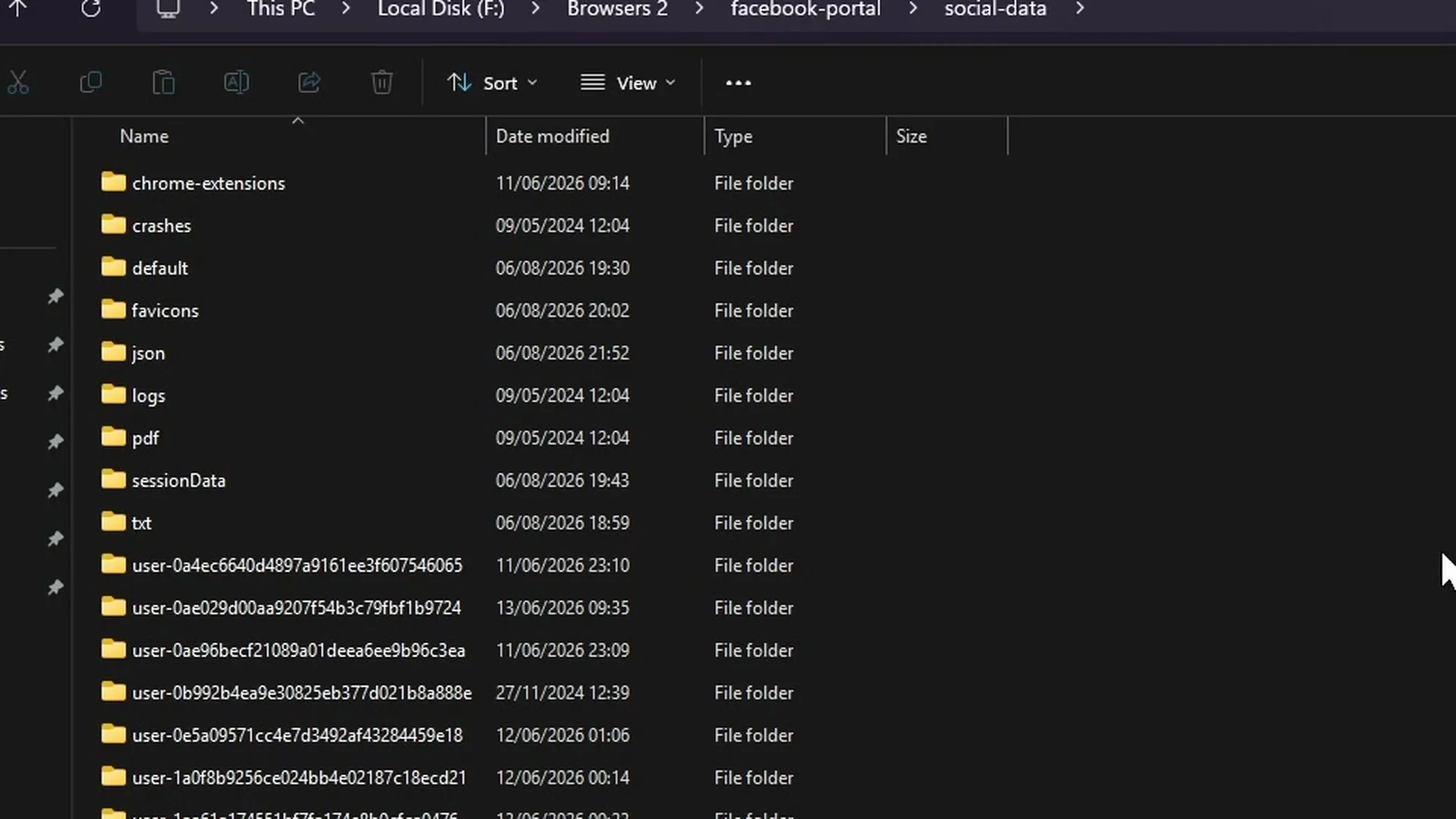
A responsible explanation of browser privacy protection, fingerprint hiding, and why Social Browser focuses on safe profile control.
Read guideA beginner-friendly guide to creating a first Social Browser profile for safe and organized digital work.
Read guideA safe and responsible guide to using proxies in Social Browser for professional session organization.
Read guideA practical guide to installing and using user scripts in Social Browser responsibly inside controlled profiles.
Read guideHow to organize accounts, sessions, and web apps into clear Social Browser profiles.
Read guideHow to build a daily Social Browser workflow that is organized, safe, repeatable, and productive.
Read guideWhy multi-profile browsers are emerging as a serious browser category for teams, automation, and controlled digital work.
Read guideWhy the future of professional browsing is built around profiles, not just more tabs.
Read guideHow Social Browser acts as a controlled profile layer between people, web apps, browser state, and automation.
Read guideA product and business view of how Social Browser can grow into a Browser-as-a-Service platform for professional teams.
Read guideWhy professional multi-profile browsers represent a growing product category for teams that live inside web apps.
Read guideStart here
A short route through the fundamentals before tackling advanced automation.
Learning paths
Pick a goal, then expand the steps you need. No need to read everything.
Start with a Profile, understand what stays separate, then organize multiple account contexts.
Learn the workflow model first, then move from recording to Tasks and AI-connected browser control.
Understand per-Profile network setup, add a provider endpoint, and verify the result before using it at scale.
Use supported extensions and browser-side JavaScript while keeping customization tied to a clear Profile purpose.
Move from individual Profiles to repeatable operating patterns for marketers, agencies, media buyers, and teams.
Understand what isolation and privacy controls do, what they do not claim to do, and how to verify browser behavior.
Need a direct answer?
Learning articles explain concepts and workflows. Support handles problems; the Product Guide documents controls; Academy organizes structured paths.