Getting Started · 2:38
How to Install Social Browser on Windows
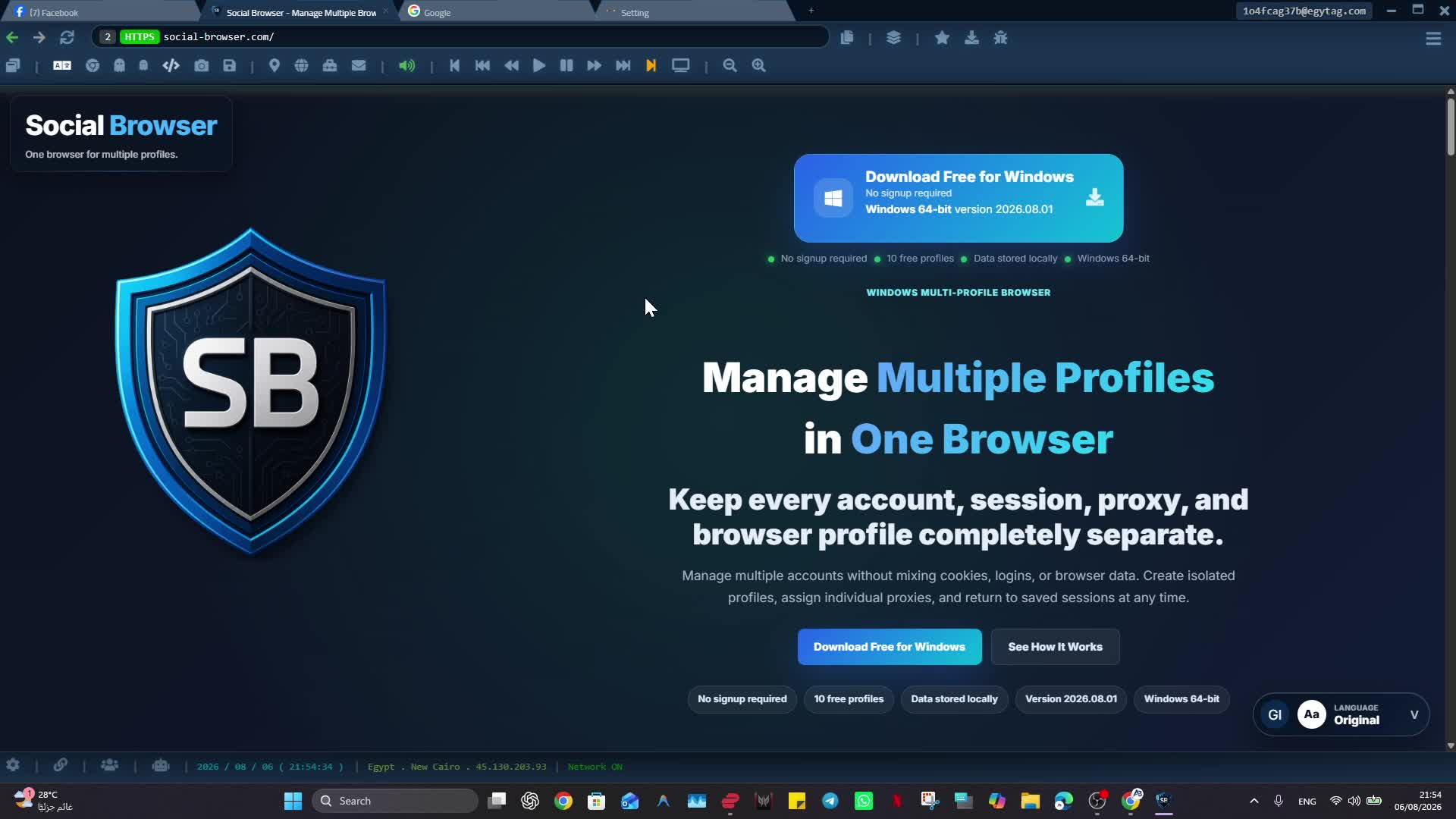
Install Social Browser on Windows and verify the browser is ready for your first Profile.
The current official video may contain Arabic narration. This page provides the English guide and product context.
Watch on YouTube ↗What you will learn
Install Social Browser on Windows and verify the browser is ready for your first Profile.
Practical steps
- Open the feature shown in the tutorial and confirm you are working in the intended Profile or browser context.
- Apply the setting only to the Profile or page where you need it, then save the change.
- Test the result on a limited scope before making it part of a repeated workflow.
When to use it
Use this when installing Social Browser for the first time or setting up a new Windows computer.
Important notes
- Use accounts, proxies and session data only when you own them or are authorized to use them.
- Treat Cookies, Sessions, passwords and authentication data as sensitive information.