Social Browser · Practical learning
Learn Social Browser step by step
Start with the essentials, then explore Profiles, proxy settings, User Scripts and browser tools. The English center is expanding while the Arabic center contains the larger tutorial library.
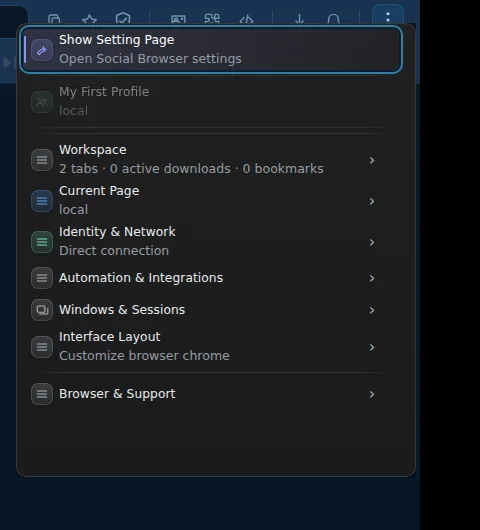 Browser Menu · 2026 · 25s
Social Browser Menu 2026: Workspace, Profiles, Downloads and Interface Layout
Illustrated 2026 Social Browser browser-menu guide: navigate Workspace, Tabs Manager, Profiles, downloads, bookmarks, Extensions and Interface Layout, with a real 25-second video.
Open guide →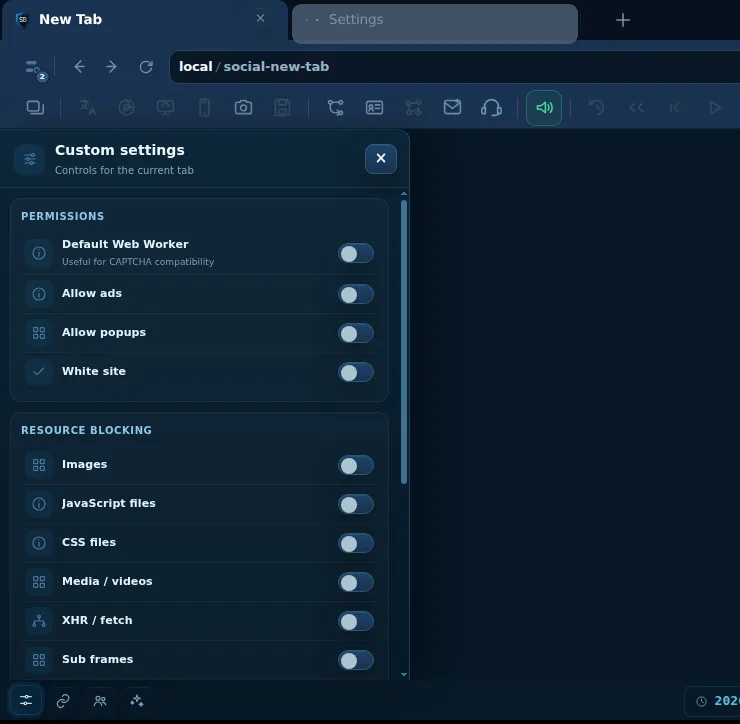 Settings · 2026 · Real UI 25s
Custom Settings for the Current Tab (2026)
Real 25-second tour of popup permissions, resource blocking and engine controls, with practical safe-use guidance.
Open guide →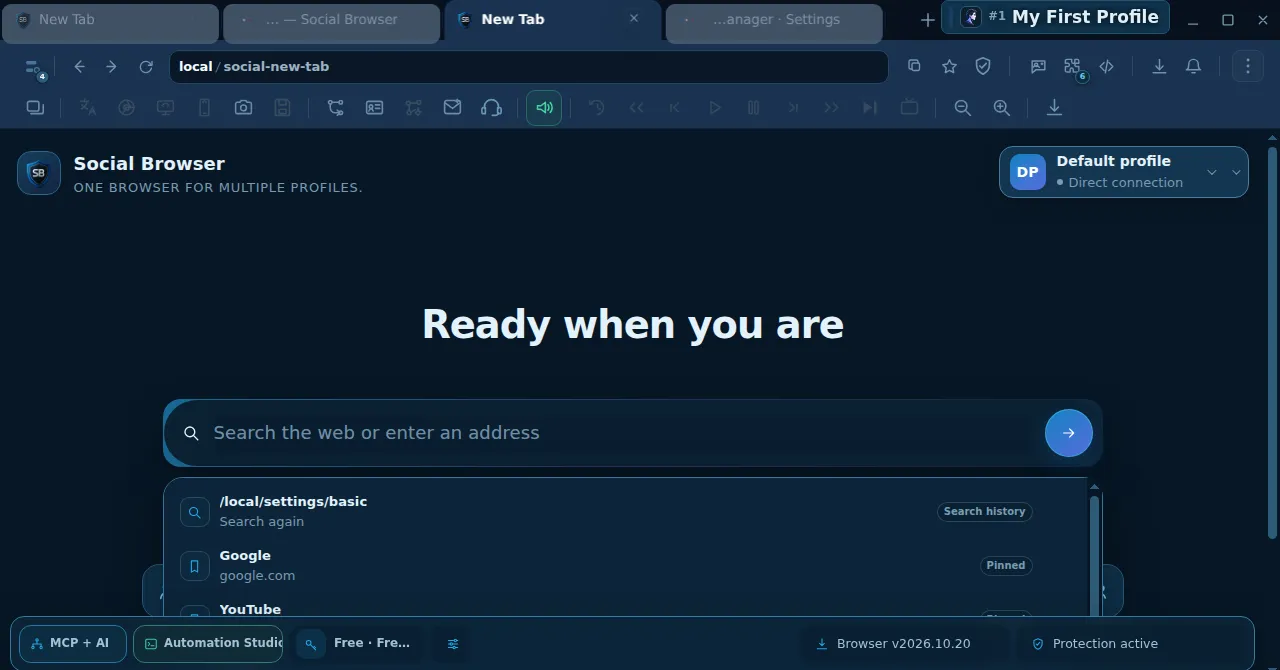 Getting Started · 2026 · 30s
New Tab in Social Browser 2026: Search, Open URLs & Preview Tabs
Real screen recording of Social Browser New Tab: use address/search, open official URLs, create additional tabs and inspect Profile and resource details in the tab preview.
Open guide →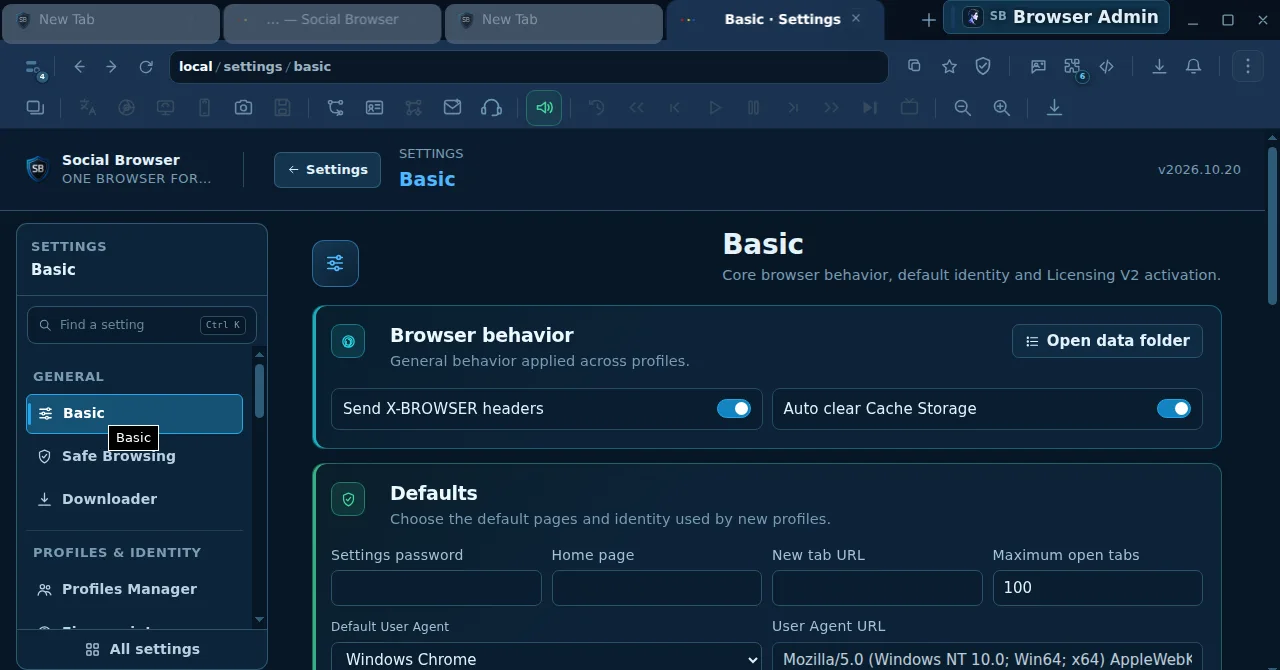 Getting Started · 2026 · 29s
Social Browser Settings Tour 2026: Basic, Safe Browsing, Downloads & Profiles
A hands-on tour of the Social Browser 2026.10.20 Settings UI: locate Basic, Safe Browsing, Downloader and Profiles Manager, inspect controls and avoid common mistakes.
Open guide →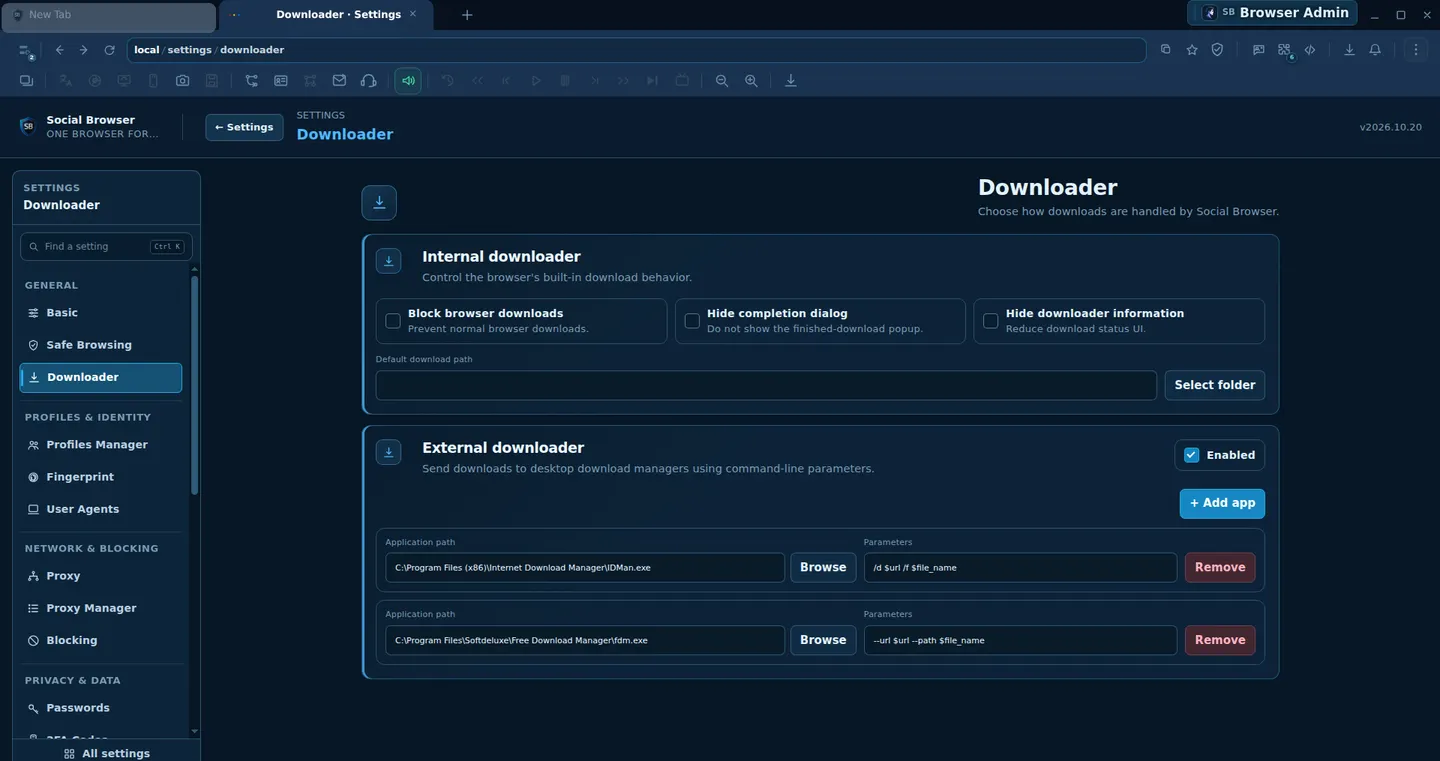 Getting Started · 18s · 2026
Social Browser Downloader Settings: Built-in vs External Download Managers (2026)
Explore the actual Downloader settings in Social Browser 2026.10.20: internal downloads, completion dialogs, save locations, and optional external download apps.
Open guide →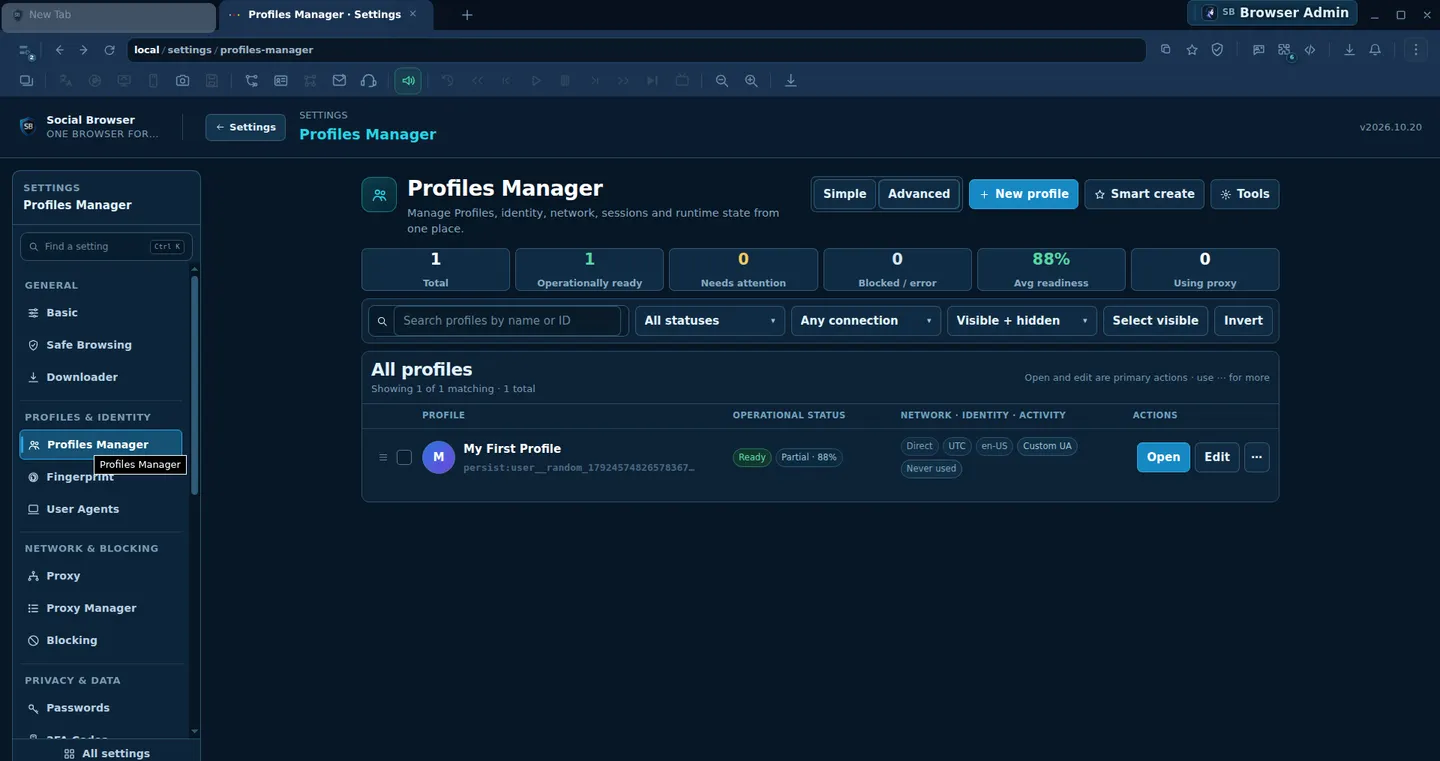 Profiles · 18s · 2026
Profiles Manager in Social Browser: Readiness, Search, Filters and Safe Editing (2026)
A verified illustrated guide to the Social Browser 2026.10.20 Profiles Manager dashboard, profile readiness, list filters, new profile dialog and Open/Edit actions.
Open guide →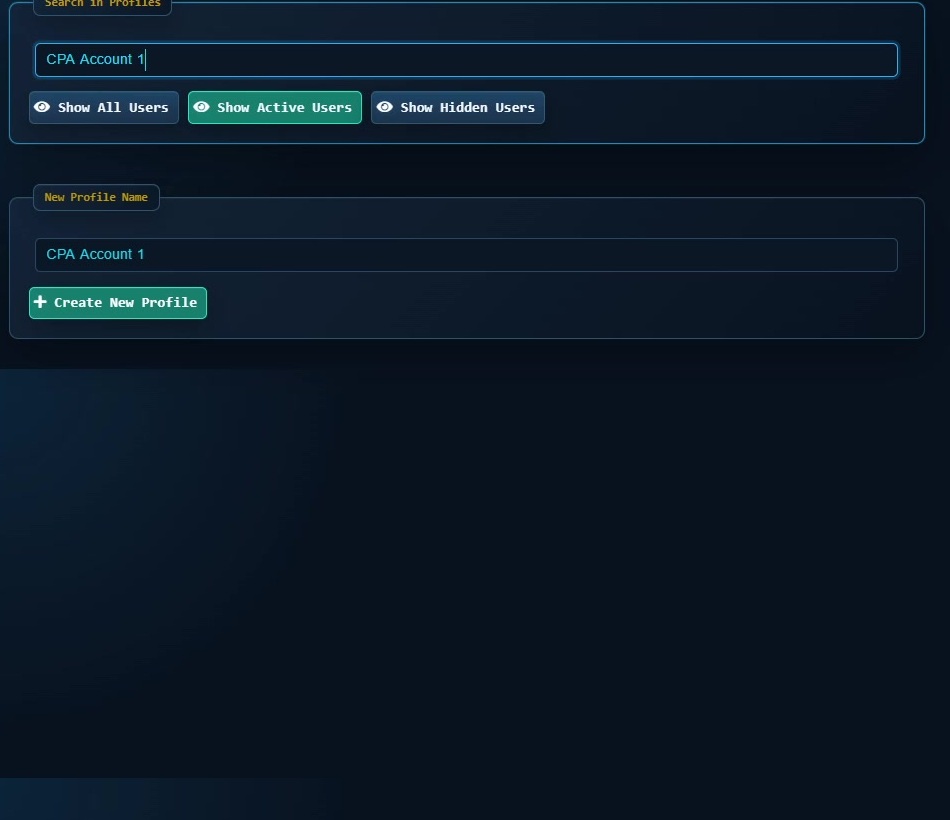 Getting Started · 5:00
Social Browser in 5 Minutes: Quick Product Tour
Get a fast overview of Profiles, proxy settings, User Agent, Cookies, Sessions, User Scripts, video tools and privacy controls.
Open tutorial →Getting Started · Full walkthroughSocial Browser — Full Walkthrough (Part 1, Arabic)
Discover the complete Arabic product tour alongside the latest 2026 screen-recorded tutorials.
Open tutorial →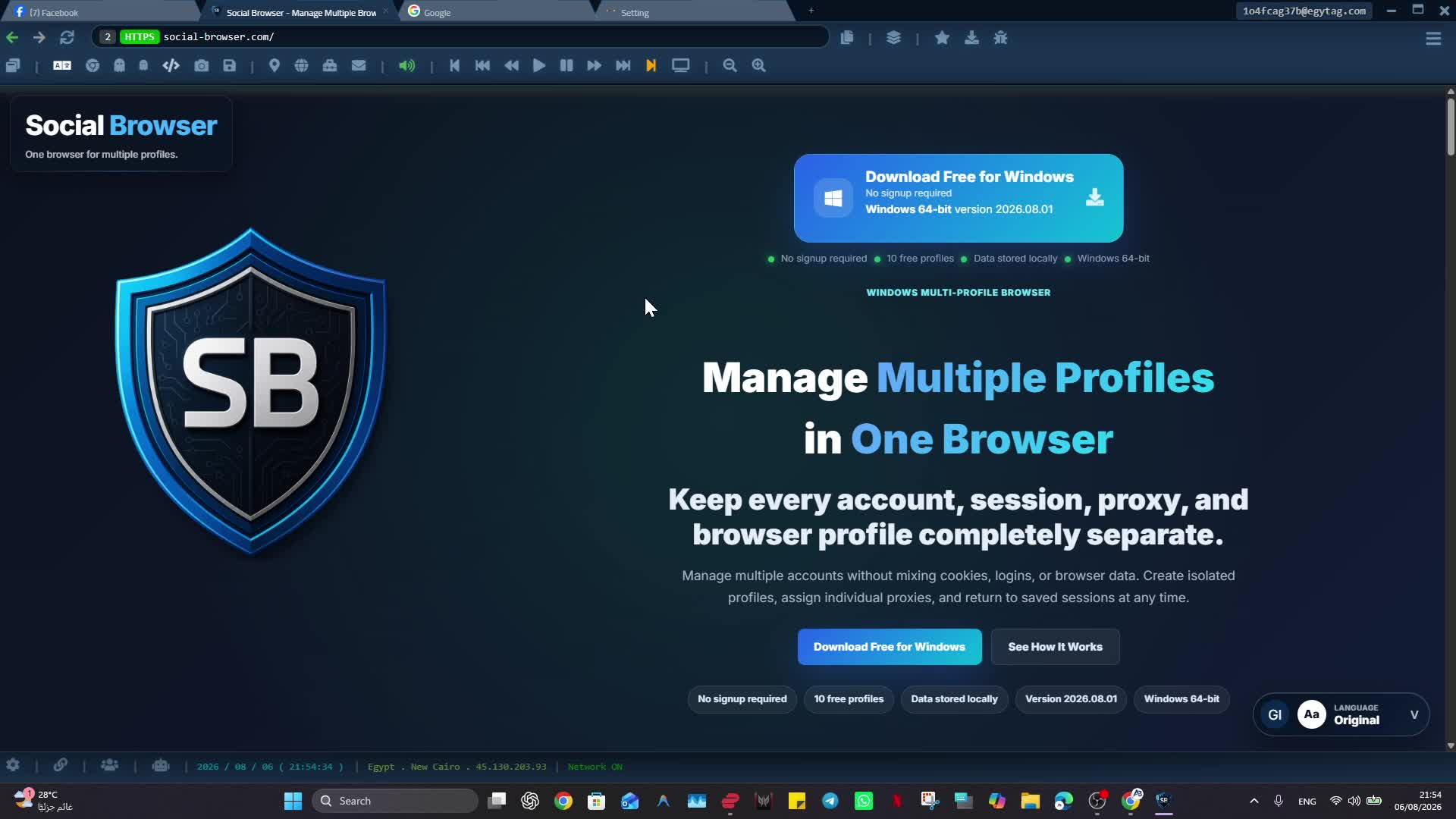 Getting Started · 2:38
How to Install Social Browser on Windows
Install Social Browser on Windows and verify the browser is ready for your first Profile.
Open tutorial →Profiles · 1:52Create a New Profile and Find Existing Profiles
Create an isolated Profile and quickly find the account or browser environment you need.
Open tutorial →Profiles · 1:19Configure Cookies, User Agent, Proxy, Location and Timezone
Review the key Profile settings that control session data, browser identity settings and network configuration.
Open tutorial →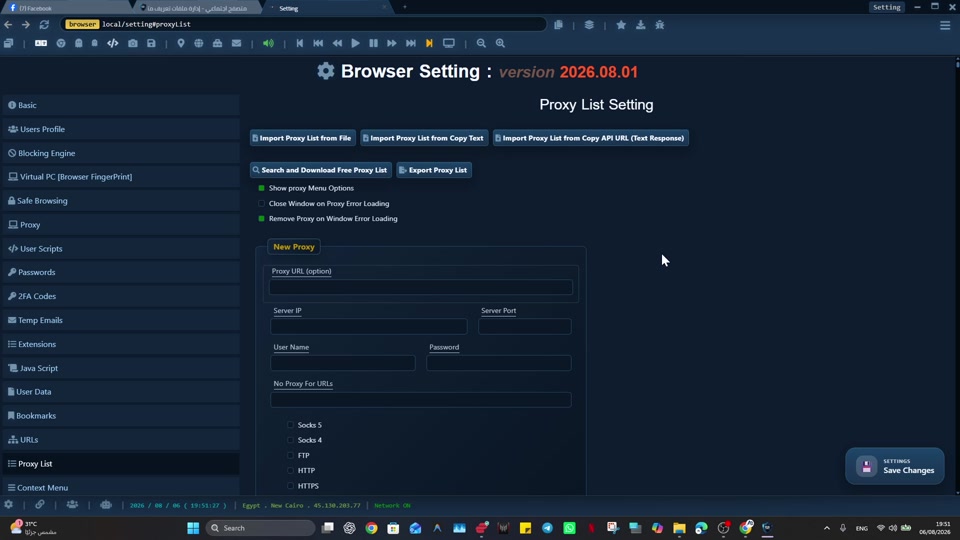 Proxy · 0:29
Set a Default Proxy in Social Browser
Configure your own default proxy for browser use and verify the setting before relying on it.
Open tutorial →Proxy · 2:13Import and Export a Proxy List
Import, export and manage proxy entries, then test the configuration before assigning it to Profiles.
Open tutorial →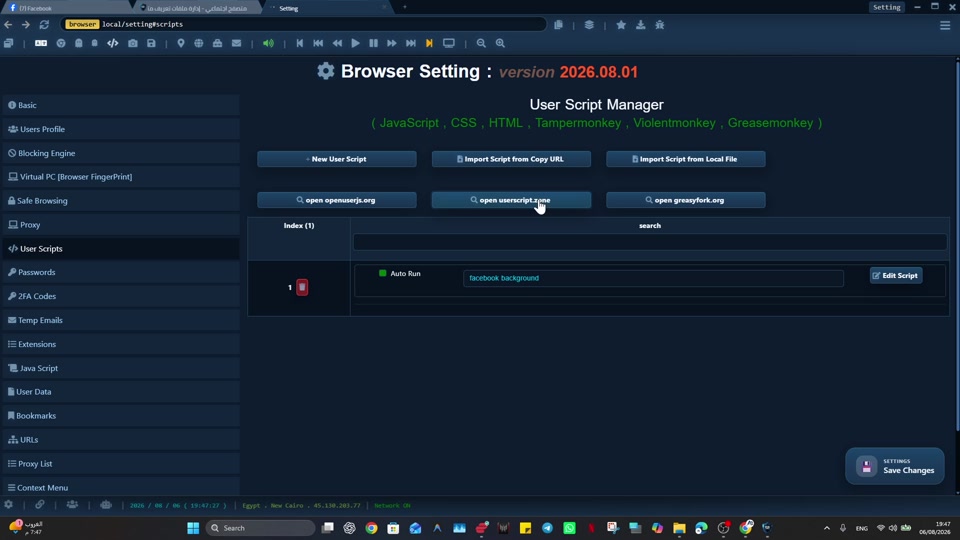 User Scripts · 3:15
Create User Scripts with JavaScript, CSS and HTML
Create browser User Scripts, control auto-run behavior, and customize repetitive page-level work.
Open tutorial →User Scripts · 1:47Install and Import User Scripts with Metadata
Import existing User Scripts and review supported metadata before enabling them.
Open tutorial →Profiles · 0:46Use Ghost Profiles Without Saved Profile Data
Open a browsing context without loading the saved data of a normal persistent Profile.
Open tutorial →Profiles · 1:39Bulk Create, Manage, Import and Export Profiles
Work with multiple Profiles at once and use import/export tools for larger profile sets.
Open tutorial →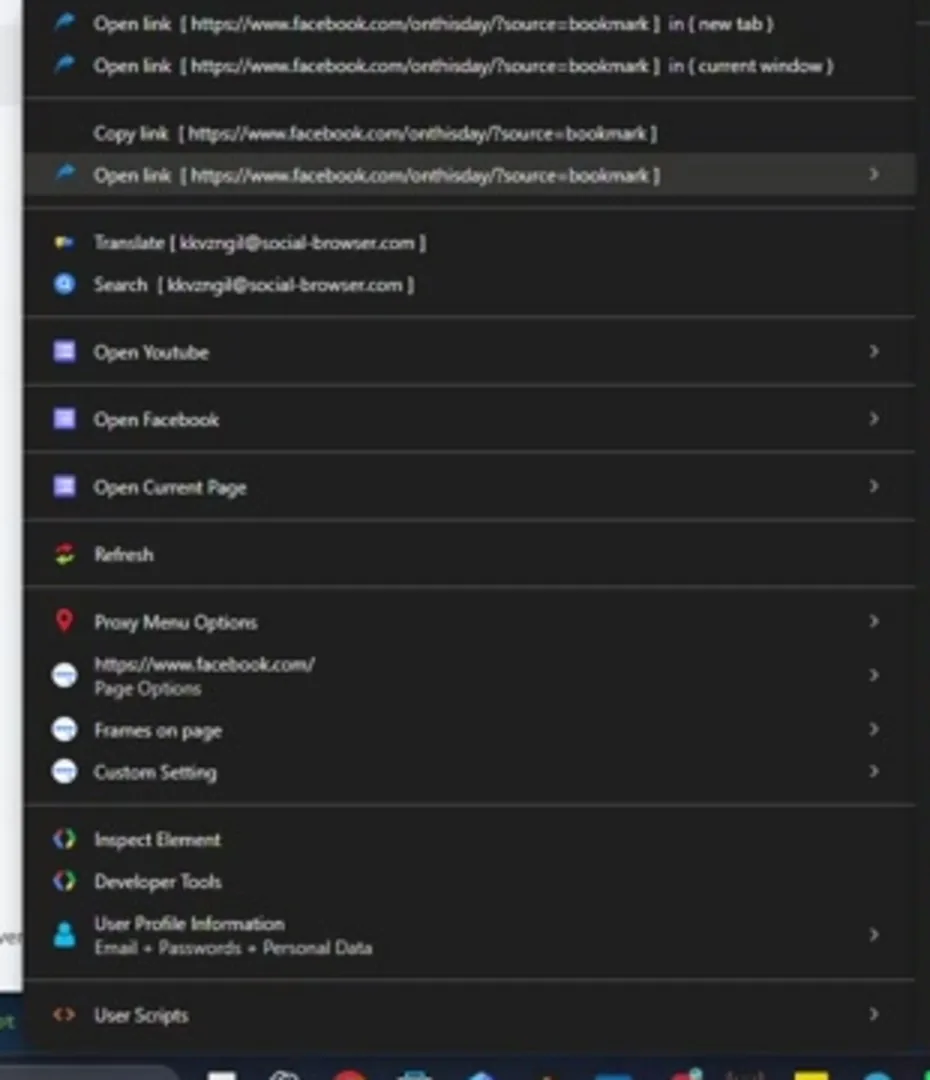 Browser Tools · 0:43
Check IP, Network Status and Time
Review the current network/IP information and browser time from Social Browser tools.
Open tutorial →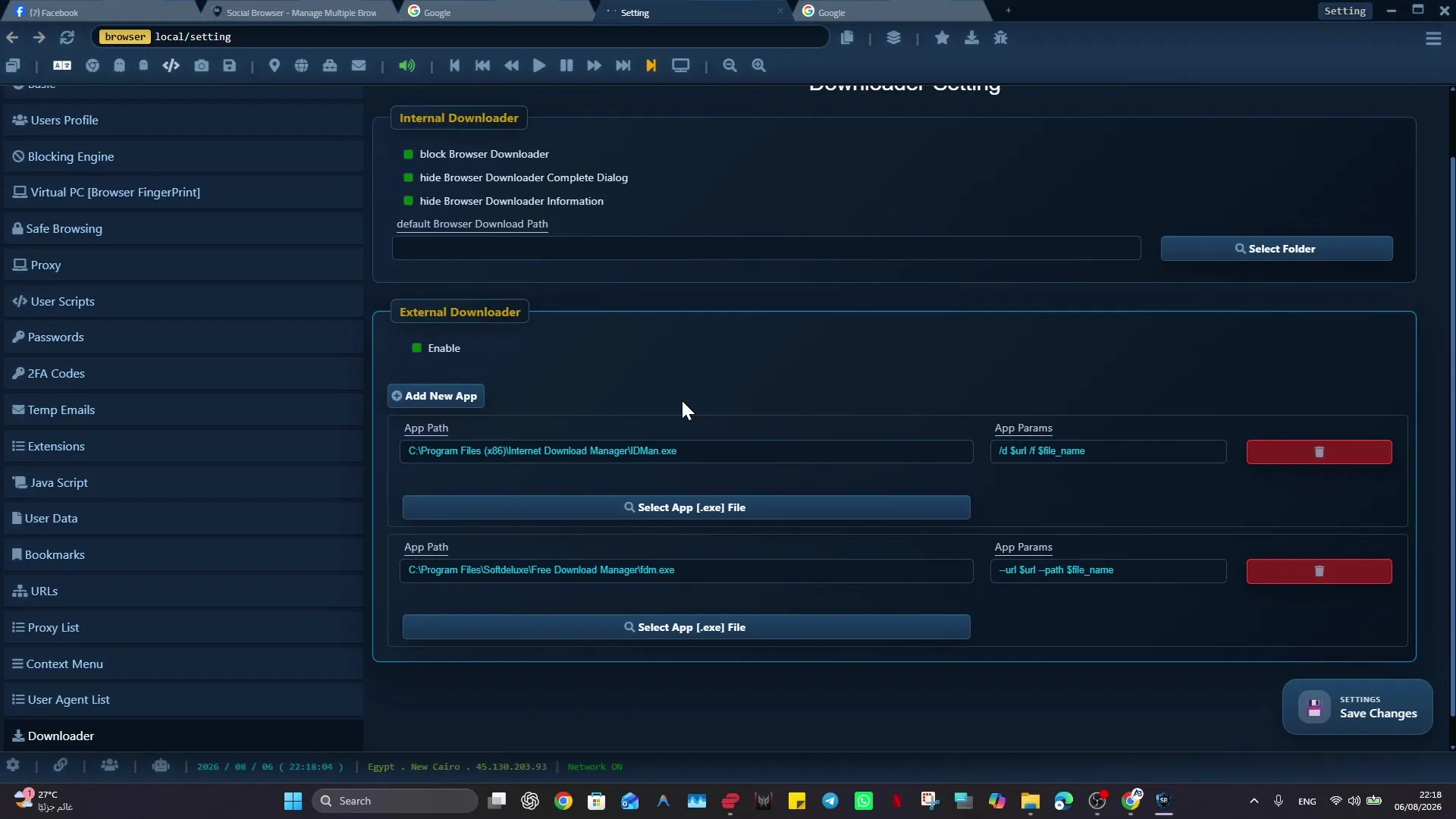 Browser Basics · 2:55
Browser Interface: History, Bookmarks, Extensions and Downloads
Learn where core browser tools such as History, Bookmarks, Extensions and Downloads are located.
Open tutorial →No matching tutorials.
Start with Social Browser
Download the browser, create your first Profile, and come back here whenever you need a specific workflow.
Download Freeمركز الشروحات العربي