Getting Started · 5:00
Social Browser in 5 Minutes: Quick Product Tour
Get a fast overview of Profiles, proxy settings, User Agent, Cookies, Sessions, User Scripts, video tools and privacy controls.
The current official video may contain Arabic narration. This page provides the English guide and product context.
Watch on YouTube ↗What you will learn
Get a fast overview of Profiles, proxy settings, User Agent, Cookies, Sessions, User Scripts, video tools and privacy controls.
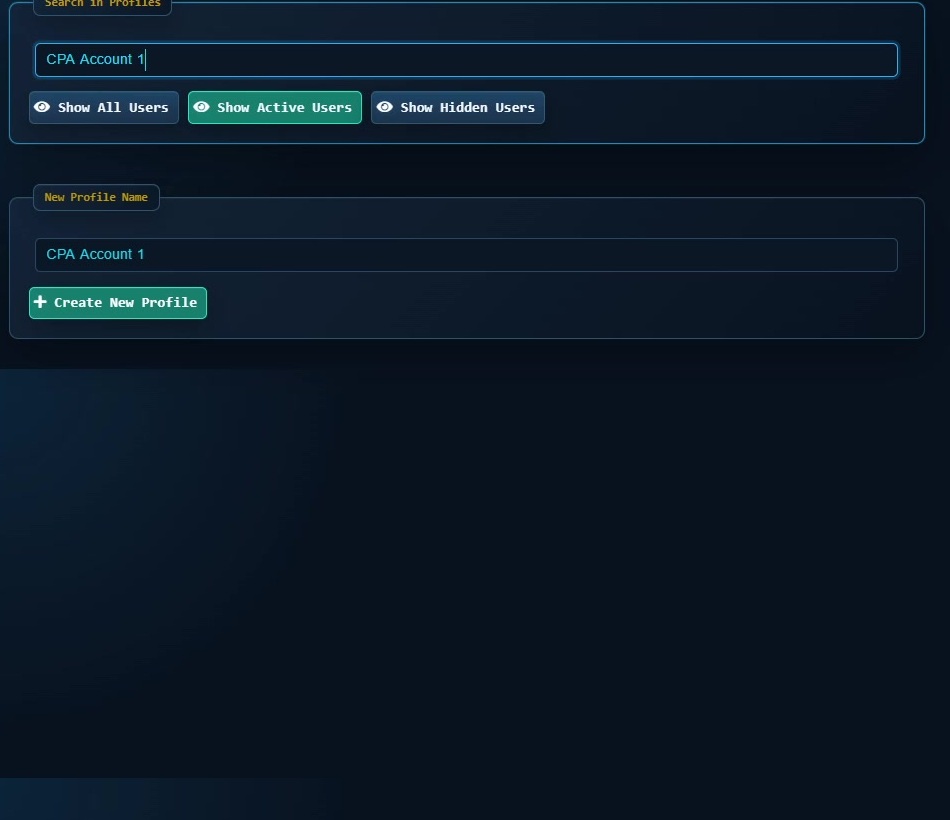
Practical steps
- Open the feature shown in the tutorial and confirm you are working in the intended Profile or browser context.
- Apply the setting only to the Profile or page where you need it, then save the change.
- Test the result on a limited scope before making it part of a repeated workflow.
When to use it
Use this first if you are new to Social Browser and want to understand the main product areas before opening detailed tutorials.
Important notes
- Use accounts, proxies and session data only when you own them or are authorized to use them.
- Treat Cookies, Sessions, passwords and authentication data as sensitive information.