
Website Readiness Check
Navigate to a public HTTPS site and confirm the document reaches the ready state.
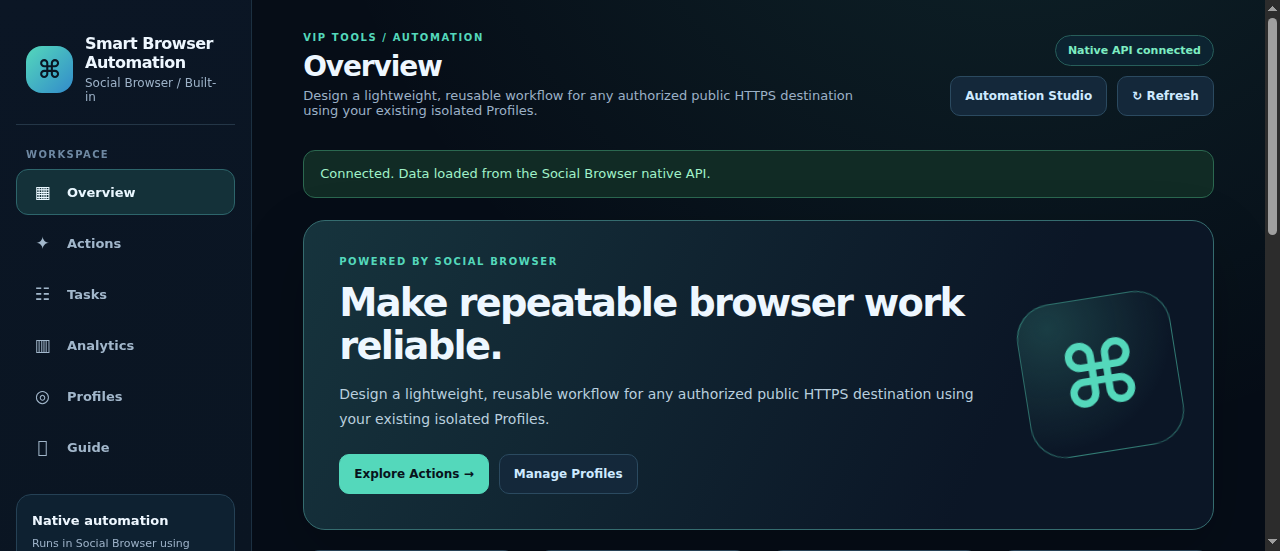
Make repeatable browser work reliable.
Design a lightweight, reusable workflow for any authorized public HTTPS destination using your existing isolated Profiles.
Screenshot captured from a real isolated Social Browser Electron runtime on the server using a disposable test Profile. The native browser API was connected; no customer account activity or successful task results are simulated.
Four platform-specific navigation and page-readiness workflows that use native Profiles, Automation Studio and Task Engine. Any publishing or account changes remain manual until separately tested.
Navigate to a public HTTPS site and confirm the document reaches the ready state.
Open a permitted public page in your chosen isolated Profile for review.
Review your existing signed-in dashboard within the selected Profile. No credentials are copied.
Check a product page before continuing with any human-approved workflow.
The Automation extension creates reusable native Actions for public HTTPS pages. It uses the existing Profile session and Task Engine. It does not accept localhost or direct private IP destinations.
VIP add-on access will be available after verification and release.