Channel Review
Inspect a channel homepage and wait for the page to be ready.
Defined navigation/review templateReview channels, video pages, subscriptions and your own creator workspace in authorized Social Browser Profiles.
Videos, channels, playlists and creator workflow reviews. Combine these workflows with Social Browser’s separate multi-Profile, proxy and desktop automation capabilities.
Current extension scope is navigation and review. Some requested social interactions are not included in these release templates; see the availability section below.
Detailed workflows drawn from the installed browser extension's defined templates, not generic marketing claims.
Inspect a channel homepage and wait for the page to be ready.
Defined navigation/review templateInspect the watch-page environment, then supply your own permitted video URL.
Defined navigation/review templateOpen your authorized creator dashboard using the selected signed-in Profile.
Defined navigation/review templateReview playlists accessible to your own signed-in account.
Defined navigation/review template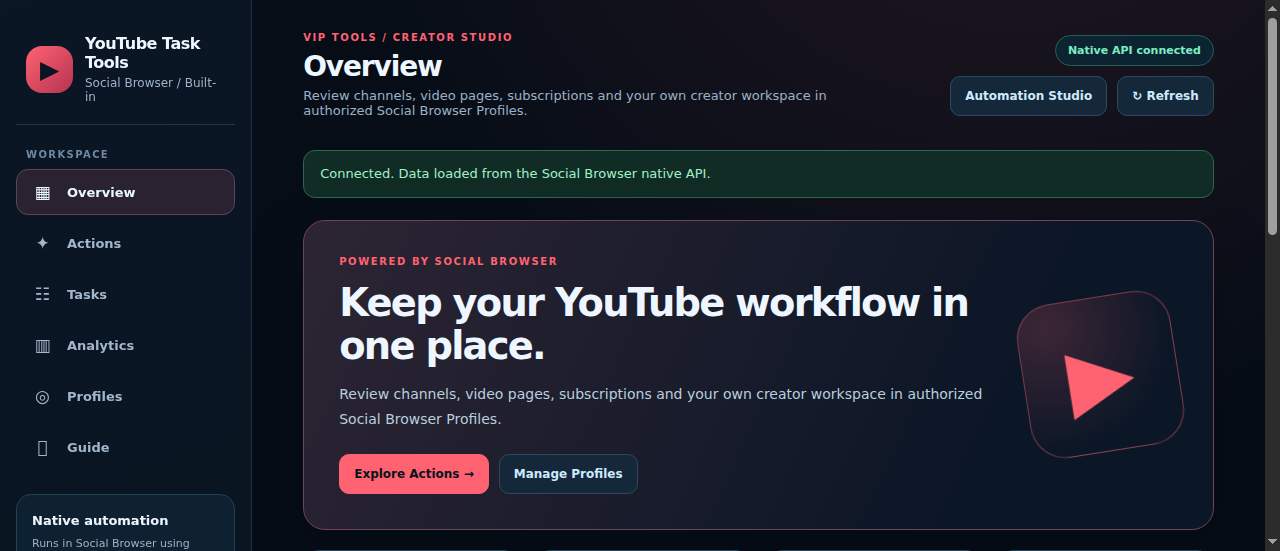
Run channel and video navigation Actions inside Social Browser. Creator Studio tasks operate within the user's existing authorized signed-in Profile. Posting, uploads and automated engagement are not part of this initial release.
Current templates focus on authorized destinations, page readiness, task traces and review workflows.
Uploads, automatic comments, subscriptions or likes are not part of the currently validated workflow templates.
Do not assume every action is ready simply because its platform supports it.
These are Social Browser platform features rather than additional YouTube social actions.
Independent cookies, storage and signed-in sessions for separate authorized accounts.
Assign available HTTP/HTTPS/SOCKS proxies independently per Profile.
Configure supported user-agent and browser fingerprint options per Profile.
Build workflows and tasks across selected Profiles using the native automation system.
Organize account work by teams, groups or tags.
Extend supported workflows with User Scripts and browser automation actions.
Inspect task states and results instead of mixing account sessions.
Use tabs, bookmarks and browser productivity utilities in one application.
Download Social Browser and create a workspace.
Use Profiles with your own signed-in accounts.
Open the VIP extension and enter any destination required for the selected workflow.
Start an authorized navigation/review task and inspect results before additional actions.
Uploads, automatic comments, subscriptions or likes are not part of the currently validated workflow templates.
The VIP browser extension provides a native workspace and platform-specific saved review workflows. Free tools and browser subscriptions are separate products.
No. The $50 is the listed price for this VIP product. Browser plans, account limits and related services are separate.
Social Browser supports isolated Profiles for accounts you are authorized to access. Each Profile retains its own session and configurable proxy.
The documented templates describe navigation/review tasks. Platform interfaces and authentication may change; successful actions must be confirmed with real runtime testing.
Social Browser Automation Studio supports its own workflow actions. A platform-specific operation should only be described as released once separately implemented and tested.
Review the current workflows and proceed to the corresponding Social Browser payment page.