
Social Browser Help Guide
Is Social Browser an Anti-Detect Browser?
A clear explanation of Social Browser positioning, privacy controls, profile isolation, and what not to claim.
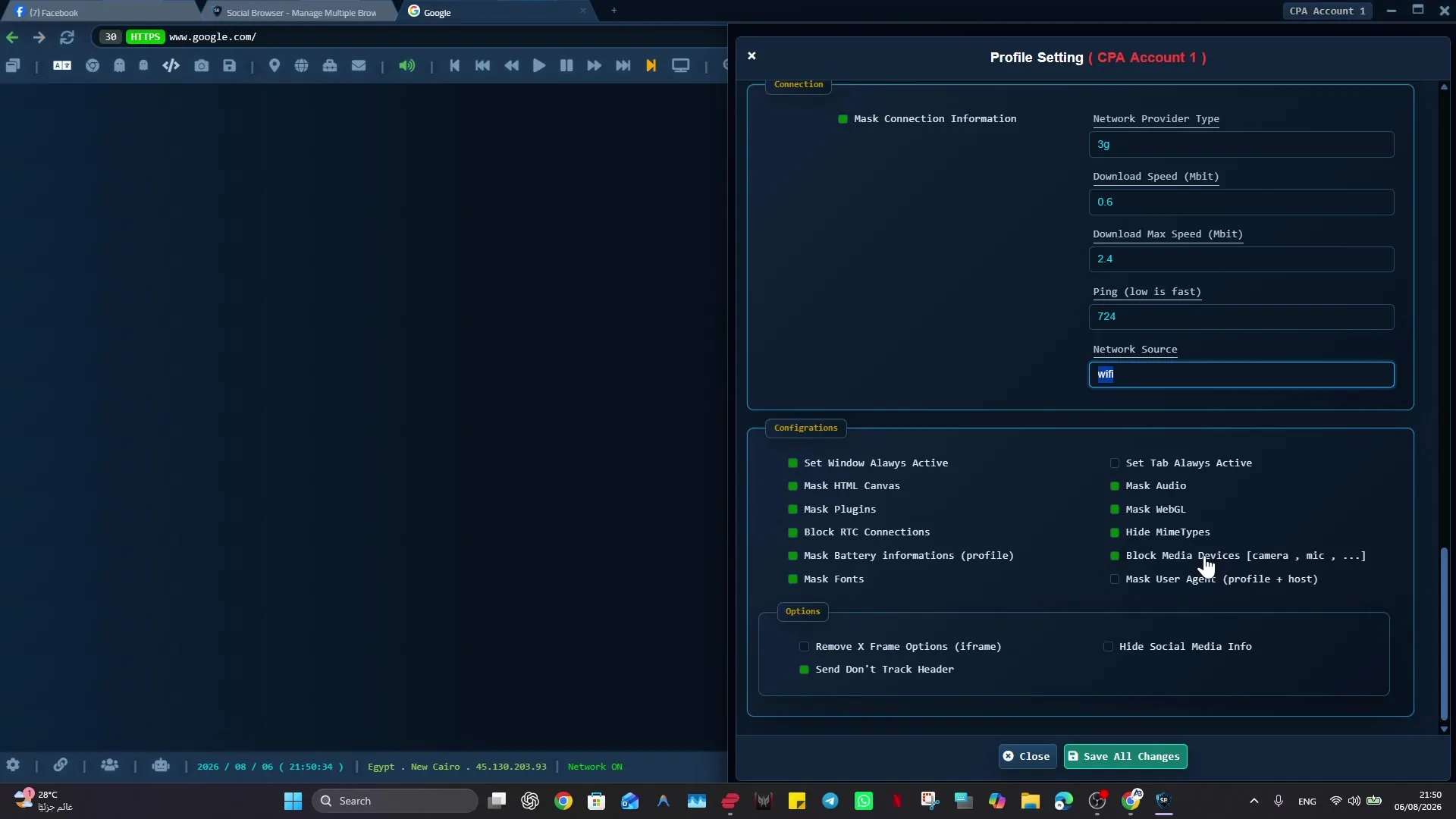
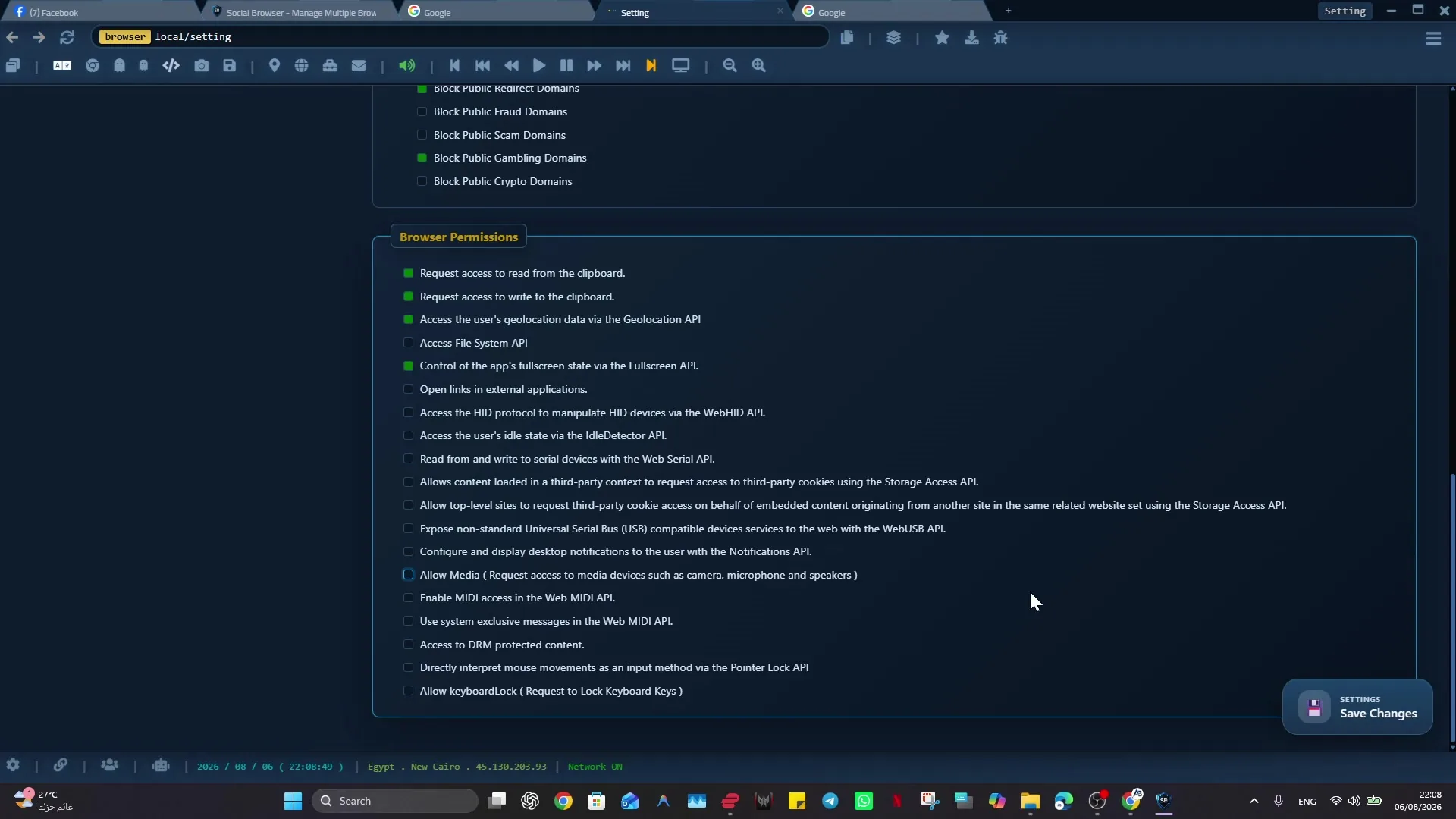
Expected Result
You should understand that Social Browser is positioned as a professional multi-profile browser, not as a tool that promises invisibility, ban prevention, or evading platform enforcement.
This guide is written for new users, reviewers, marketers, content editors, support teams, and anyone comparing browser categories. It follows the Social Browser product reference: profiles are browser environments, proxies are user-supplied, and advanced controls should be described responsibly.
Before You Start
- Separate product facts from marketing assumptions.
- Use current official website facts for pricing, plans, downloads, and availability.
- Use the Social Browser reference for stable terminology and safe claims.
Steps
- Describe Social Browser as a Windows multi-profile browser.
- Explain profiles as separate profiles for cookies, sessions, storage, settings, and optional user-supplied proxy configuration.
- Mention privacy and browser-setting controls neutrally, without promising invisibility.
- State that Social Browser does not provide proxies.
- State that users remain responsible for website terms, platform policies, laws, and account rules.
- Do not use claims that promise invisibility, ban prevention, detection evasion, or absolute anonymity.
- When users ask about broken sites, recommend compatibility and troubleshooting steps instead of evasion claims.
How To Check It Worked
- Copy uses multi-profile browser, profile isolation, per-profile proxy configuration, automation, and workflow organization.
- No sentence claims Social Browser prevents bans or defeats platform systems.
- Proxy wording says user-supplied proxies, not included proxies.
- Separate Free/VIP Social Tools are not presented as core browser subscription features.
Important Safety Notes
- Do not invent competitor limitations or legal claims.
- Do not turn fingerprint or Virtual PC settings into guaranteed anonymity language.
- Do not imply Social Browser creates third-party accounts.
- Treat cookies, sessions, passwords, OTP, and backups as sensitive data.
Troubleshooting
- If old copy uses anti-detect language, rewrite it around profile separation and responsible workflow control.
- If a comparison page needs volatile facts, verify them at publication time.
- If a feature is unclear, check the current product UI before writing step-by-step instructions.
Responsible Use
A responsible implementation of “Is Social Browser an Anti-Detect Browser?” starts with this boundary: product comparisons should be based on current, verifiable capabilities. Competitor features, pricing, and policies can change after an article is published. Check the other product’s current official documentation before making a decision. Separate verified facts from opinion or workflow preference.