
Practical Guide · Agentic Browser
What Is an Agentic Browser? How AI Agents Interact with Websites
Understand agentic browsers, the accessibility tree, tool control, task planning, website state and human oversight.
Published October 11, 2026 · Social Browser Editorial Team
Why this matters
An agentic browser is not simply a browser with a chatbot. It is an environment in which software can observe web pages, choose actions and evaluate whether those actions achieved a user's goal. That capability can save time, but it can also produce mistakes when the page changes, account context is unclear or instructions on an untrusted site try to redirect the agent. A useful explanation must cover both the mechanics and the limits.
How an agent perceives the web
An agent may use page text, the accessibility tree, DOM information, screenshots or browser tools to identify controls and content. An accessible label gives it a stronger signal than an unlabeled icon. Layout shifts can invalidate screenshot coordinates, while hidden UI and delayed loading can make a control appear absent. Strong agents combine multiple signals and verify the page state before choosing the next step. Website owners improve reliability with semantic HTML, labels and stable navigation.
From instruction to checked outcome
A typical workflow has four stages: understand the user's request, select the permitted environment, act on the interface and verify the result. Consider 'find the latest approved invoice.' The agent must know which organization is authorized, where approved means recorded, and what constitutes a successful answer. Without these constraints, a fast series of clicks is not meaningful autonomy. Changes involving money, communication or permissions warrant human confirmation.
Why browser state matters
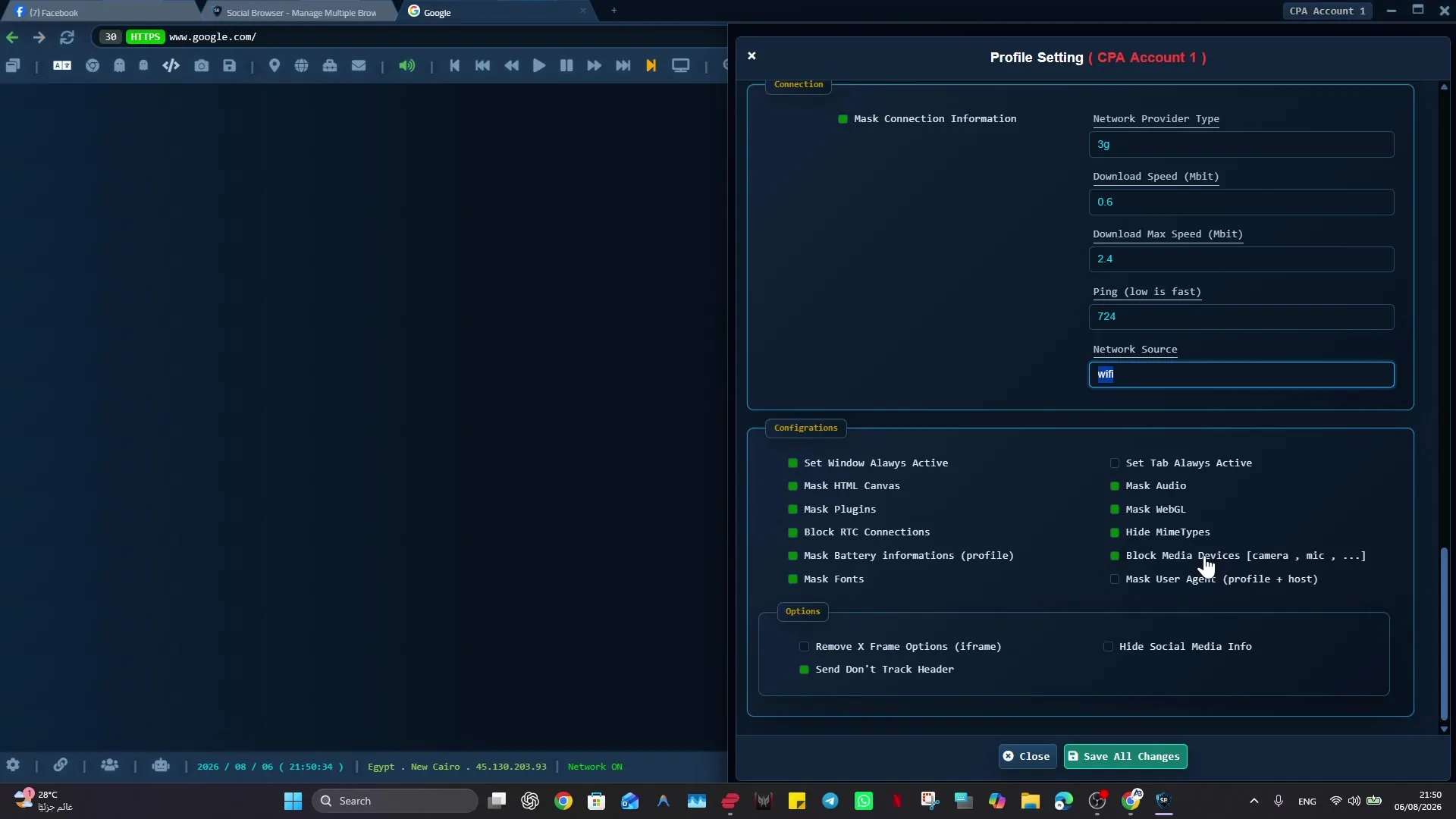
An agent that signs into the wrong website Profile can operate accurately on the wrong account. Persistent profiles keep cookies, settings and work context together, but must be treated as sensitive. Social Browser focuses on profiles, repeatable browser workflows and MCP integration; those capabilities can provide useful control surfaces for authorized AI tasks. They do not eliminate web security checks, prompt injection, MFA or the need to review outcomes.
Evaluate an agentic browser realistically
Check whether it explains action limits, handles authentication failure, records verification and supports user interruption. Ask what happens if a page is malicious or a step partially succeeds. A reliable agent should refuse to invent a result and should avoid following instructions embedded inside third-party page content as if they were the user's request. Control, observability and recovery matter more than how quickly an impressive demonstration completes.
Implementation checklist
- Choose one read-only task on an authorized account.
- Describe the exact target and expected evidence.
- Observe which page signals the agent uses.
- Test a changed layout and an expired session.
- Require a review gate before expanding to edits or payments.
Example: putting the guidance into practice
A research agent opens a vendor dashboard to locate a public help article. It cites the page it read, confirms the article date and stops if redirected to a login prompt. It does not claim to have updated the vendor's account merely because it found an Update button.
Frequently asked questions
Is Agentic Browsing the same as a browser extension chatbot?
No. Agentic behavior involves taking and verifying actions, with appropriate permission and state management.
Does passing an Agentic Browsing audit guarantee safe AI automation?
No. Automated audits test selected page properties, not every security or business-policy scenario.
Important boundaries
The guidance above assumes authorized accounts and compliance with each service’s terms. Separate Profiles and automation can improve organization; they do not grant access rights, remove authentication requirements, guarantee anonymity, or eliminate security risk. Validate the workflow with a real reviewer before using it on sensitive production data.
Next step with Social Browser
Choose one small, permitted workflow, verify its starting account and define evidence of success before scaling. Social Browser can keep the relevant browser context organized while your team controls permissions, review and final decisions.
Explore the relevant Social Browser capability · Download for Windows · Download for Linux
Official documentation and further reading
Use these primary references to verify the relevant platform capabilities and permissions. Vendor documentation can change; confirm the current terms and product version before acting.