
Privacidad e identidad
Controles de huella e identidad del navegador
Controla las superficies de identidad del navegador compatibles por Profile manteniendo cada Profile estable hasta que el usuario lo cambie.
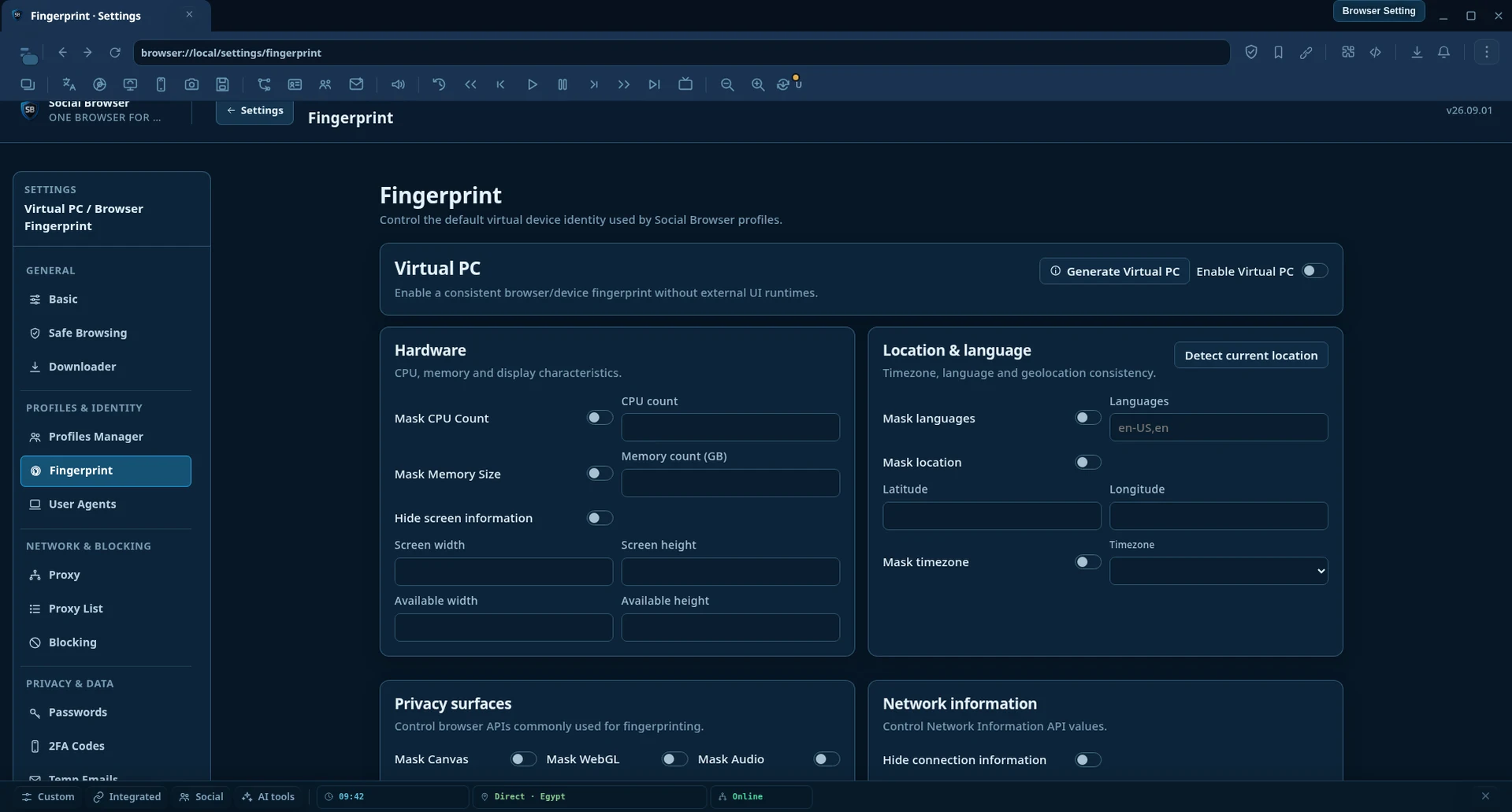 Interfaz actual del producto Social Browser
Qué incluye esta función
Esta página documenta una función orientada al usuario que existe en la versión actual de Social Browser y forma parte del catálogo público de funciones del producto.
Dentro del navegador:
browser://local/settings/fingerprintFunciona con el resto de Social Browser
Social Browser está diseñado como un único espacio de trabajo de navegador conectado, de modo que los gestores, el estado de los Profiles, la automatización y las utilidades del navegador puedan combinarse sin reconstruir el entorno para cada tarea.