Screens and paths reflect the current browser UI rather than the legacy tutorials.
Independent documentation system
Social Browser Guide
Modern documentation for the browser interface, Profiles, Settings, Automation Studio and MCP.
35current guides21Settings screens8languages2026-09-01guide updated
⌕
Start with the essentials
Featured guides
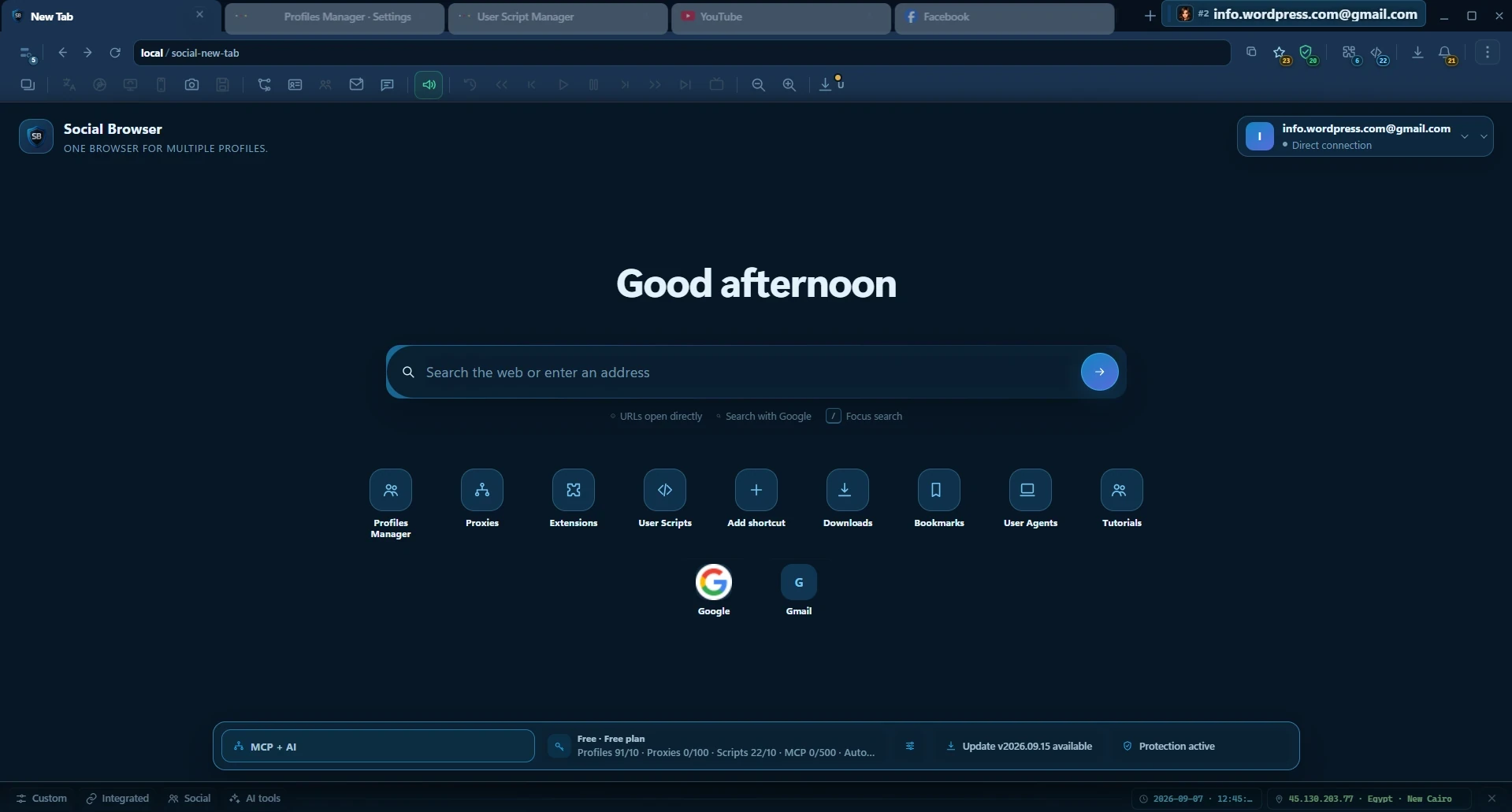 Recomendado Getting startedStart here: Social Browser guideA practical map of the browser, Profiles, Settings, Automation Studio and MCP.Open guide →
 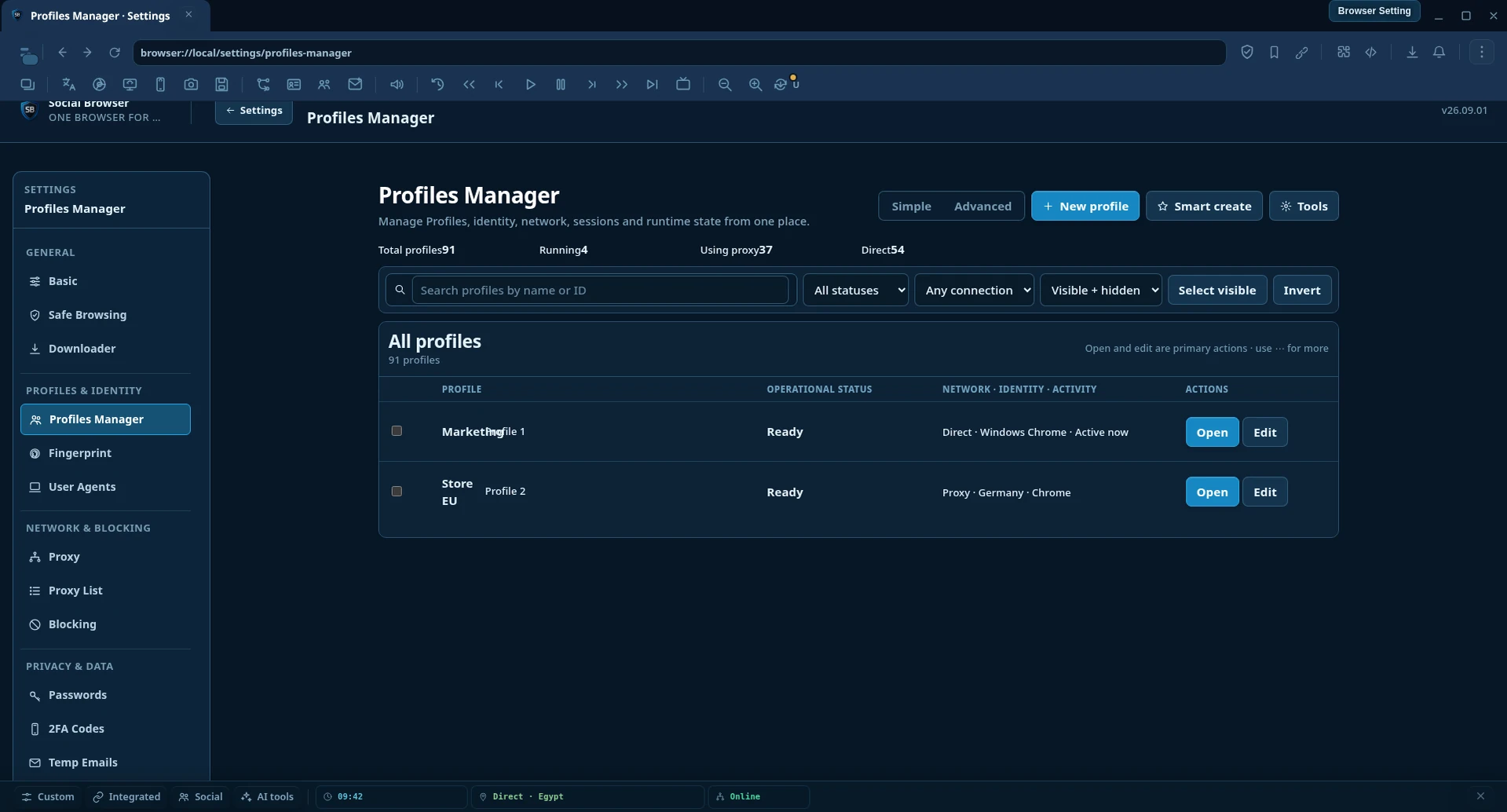 Perfiles Profiles & identityProfiles: isolated accounts and sessionsCreate, find and manage isolated browsing Profiles without mixing sessions.Open guide →
 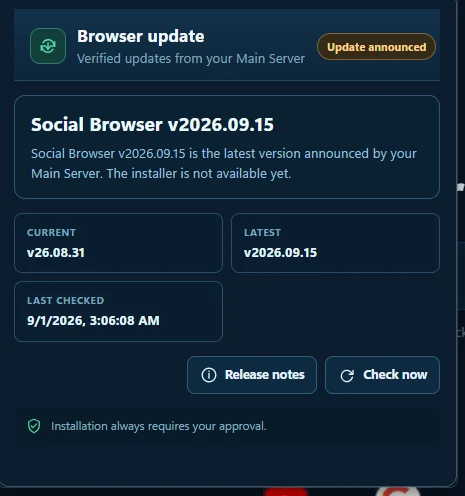 Quick access Browser interfaceFast ViewThe browser layer for quick Profile switching, notifications, updates and transient panels.Open guide →
 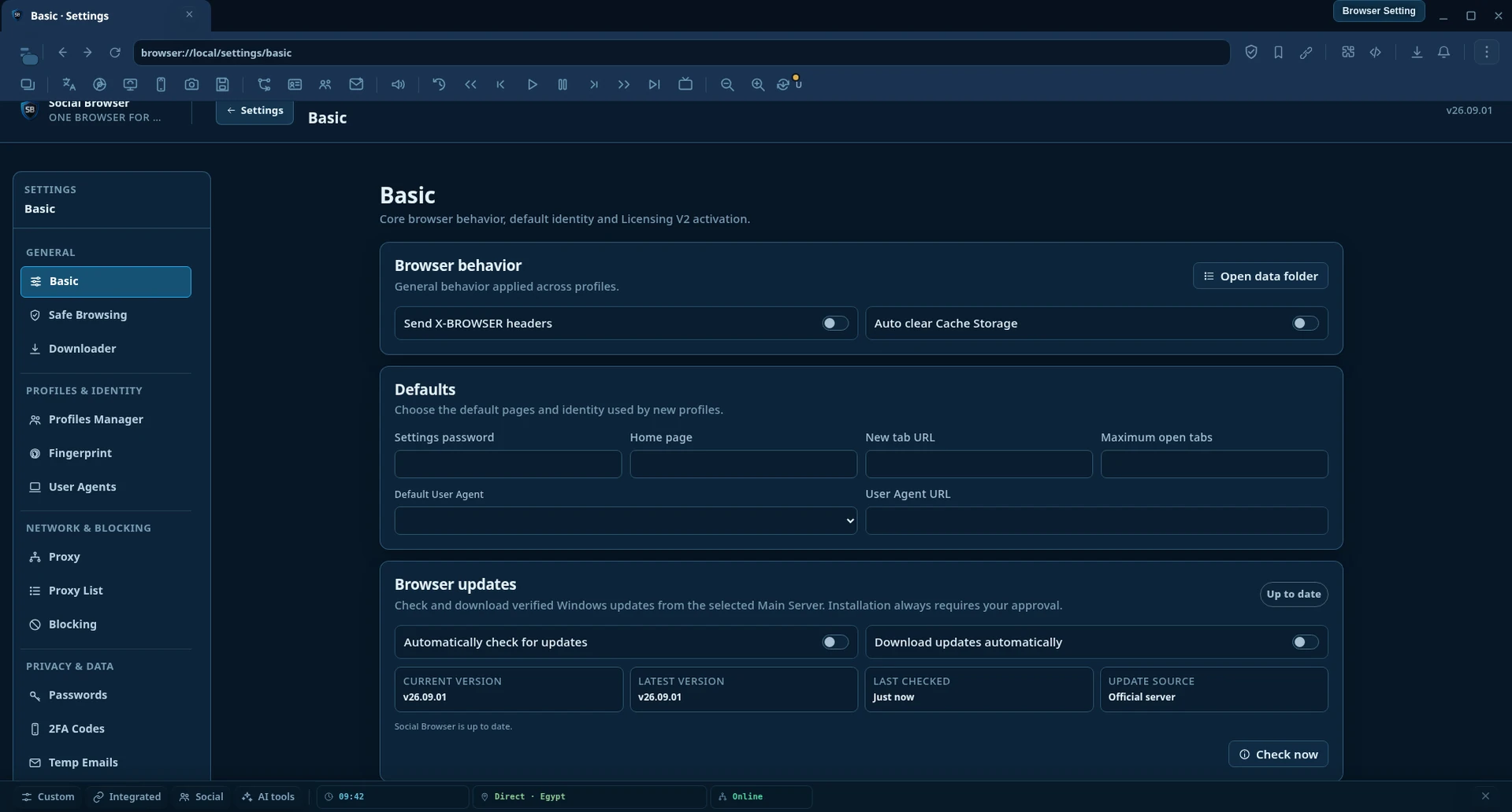 Settings map SettingsSettings: current screen mapFind the current Social Browser Settings screen by task, open a full screenshot, then continue to a detailed screen-by-screen guide.Open guide →
 Documentation directory
Explore every part of Social Browser
Start here: Social Browser guide
A practical map of the browser, Profiles, Settings, Automation Studio and MCP.
Open guide → Browser interfaceBrowser Home and New Tab
Understand the search-first Home, shortcuts, pinned sites and Dashboard.
Open guide → Browser interfaceMain browser interface
Tabs, address bar, toolbar actions, Profile context and browser-owned controls.
Open guide → Profiles & identityProfiles: isolated accounts and sessions
Create, find and manage isolated browsing Profiles without mixing sessions.
Open guide → Browser interfaceFast View
The browser layer for quick Profile switching, notifications, updates and transient panels.
Open guide → SettingsSettings: current screen map
Find the current Social Browser Settings screen by task, open a full screenshot, then continue to a detailed screen-by-screen guide.
Open guide → Profiles & identityProxy and User Agent per Profile
Select from saved lists, search entries or use custom values for a Profile.
Open guide → SettingsPrivacy, protection and blocking
Understand protection controls, blocking rules and browser permissions without over-configuring Profiles.
Open guide → Advanced toolsExtensions and User Scripts
Extend Social Browser with installed extensions and local-first User Scripts.
Open guide → Automation & AIAutomation Studio: Workflow → Automation → Task
Build reusable Workflows, reusable execution Automations and Tasks, then run them manually or on a schedule with clear execution evidence.
Open guide → Automation & AIMCP and AI control
Understand how MCP-compatible AI can search, read, inspect and act through Social Browser while browser and host permissions remain explicit.
Open guide → Browser interfaceBrowser updates
Check the signed update manifest, see the latest announced version and install only with approval.
Open guide → Advanced toolsKids Mode and child Profiles
Create child Profiles with a restricted browser surface and parental controls.
Open guide → Advanced toolsDownloads and video media controls
Understand the browser downloader and the per-video Download control.
Open guide → SettingsScreen guideBasic Settings
Configure browser-wide behavior, default pages and identity, updates, Licensing V2 and browser-data backup.
Open guide → SettingsScreen guideSafe Browsing
Control unsafe-site protection plus custom URL and page-word rules.
Open guide → SettingsScreen guideDownloader Settings
Choose how Social Browser handles normal downloads and optional desktop download managers.
Open guide → SettingsScreen guideURLs / History
Search saved browsing URLs and remove individual history records or groups of matching URLs.
Open guide → SettingsScreen guideProfiles Manager
Create, organize, validate and edit isolated browser Profiles, including identity, network, privacy, child policy, accounts, activity and diagnostics.
Open guide → SettingsScreen guideBrowser Fingerprint
Configure the default virtual device identity and privacy surfaces used by Profiles that do not override them.
Open guide → SettingsScreen guideUser Agents
Manage reusable User Agent identities available to Profiles.
Open guide → SettingsScreen guideUser Data
Review values saved by websites and remove site records you no longer want to keep.
Open guide → SettingsScreen guideProxy Settings
Configure the browser default proxy used when a Profile does not override it.
Open guide → SettingsScreen guideProxy List
Import, test, search and maintain reusable proxy endpoints and pool health.
Open guide → SettingsScreen guideMotor de bloqueo
Control browser popups, resource blocking, public blocklists, site policies, network emulation and default browser permissions.
Open guide → SettingsScreen guideContraseñas
Manage saved site usernames and passwords with native Social Browser controls.
Open guide → SettingsScreen guide2FA Codes
Store account 2FA secrets with optional Profile and password associations.
Open guide → SettingsScreen guideTemp Emails
Configure default temporary-mailbox values used when a Profile needs generated email data.
Open guide → SettingsScreen guideBookmarks
Search, add, edit and remove browser bookmarks.
Open guide → SettingsScreen guidePrivate Keys
Manage named private values used by browser workflows and integrations.
Open guide → SettingsScreen guideExtensiones
Manage native Social Browser extensions and compatible unpacked Chrome extensions.
Open guide → SettingsScreen guideJavaScript
Control browser JavaScript runtime behavior, automation helpers, storage engines and supported site helpers.
Open guide → SettingsScreen guideAPI & Integrations
Manage scoped API clients and the security, rate limits, diagnostics and audit trail around external access to Social Browser.
Open guide → SettingsScreen guideMCP Permissions
Choose the authorization policy Social Browser applies to MCP operation types.
Open guide → SettingsScreen guideContext Menu
Customize Social Browser context menus, Quick Actions, density and menu providers.
Open guide →No matching guides.
Start from the task you want to complete, then jump to the relevant screen or tool.
The current Guide stays independent while legacy Tutorials and Articles remain available during migration.