
Practical Guide · Browserless Alternative
Browserless vs Local Browser Automation for Authenticated Workflows
Compare hosted browser infrastructure with locally managed browser Profiles, including session security, scaling, debugging and economics.
Published October 11, 2026 · Social Browser Editorial Team
Why this matters
Browser automation can run in a hosted browser service or on an operator's own machine. Hosted services such as Browserless can simplify infrastructure and concurrent execution, while local desktops can make human supervision and existing authenticated sessions more accessible. Neither deployment model is inherently better or safer. The trade-off is between operational control, scaling needs, reliability and how sensitive account state is handled.
Understand the infrastructure boundary
A hosted browser platform provisions browser sessions in managed infrastructure, with capabilities and constraints depending on the service and plan. Local browser automation runs under your device or server administration. Hosted execution can be convenient for scheduled jobs and parallel testing; local execution may be simpler when a person must see the session and respond to login prompts. Both can expose data if access control, secrets or network policies are weak.
Treat authentication as a design decision
A session used for an authenticated website contains sensitive credentials or tokens. Ask where those values are stored and who can access them in each deployment model. Some hosted approaches use ephemeral contexts and explicit auth fixtures; a local workspace may preserve one operator's login. Neither model should bypass MFA or share unapproved customer sessions. Review data residency, provider terms and incident handling before moving regulated information to remote infrastructure.
Compare reliability with real workloads
Run a representative task under realistic concurrency. Measure startup latency, navigation reliability, resource consumption, trace availability and recovery after failures. A high-volume public-page extraction workload may fit hosted scale, while a supervised internal admin workflow can favor a persistent local Profile. Evaluate official Browserless documentation for your chosen service tier instead of relying on generic comparisons.
Where Social Browser belongs
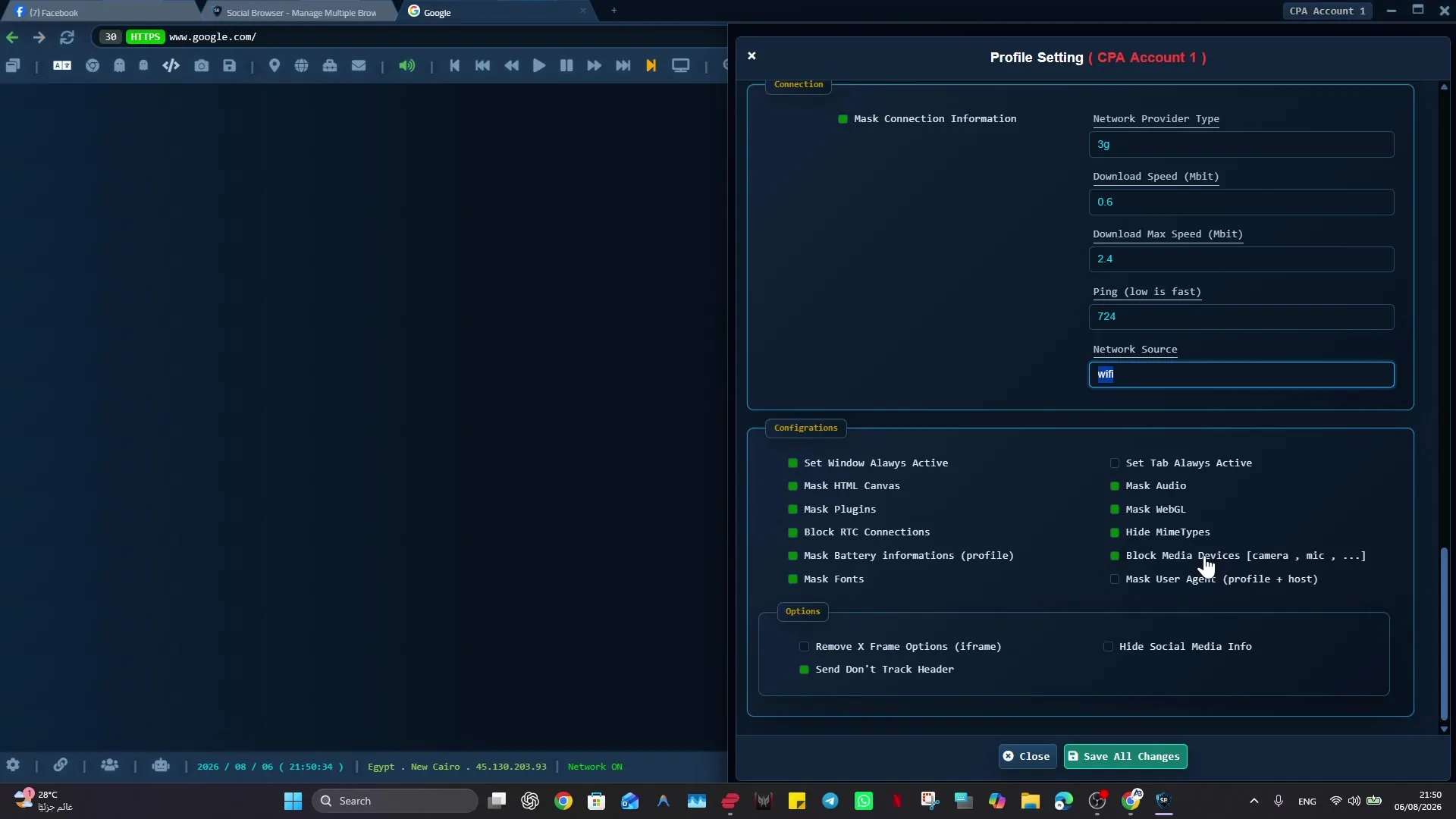
Social Browser is a desktop workspace model with persistent Profiles, automation-related capabilities and MCP-connected tooling. That can be useful when operators manage many authorized accounts and need visibility into the browser state. It is not a direct replacement for every hosted browser fleet or infrastructure API. If your business needs remote scale, include hosting, session isolation and compliance costs in the decision.
Implementation checklist
- List whether tasks require human interaction or high concurrency.
- Define session-data protection and geographic requirements.
- Benchmark browser startup and verified task completion.
- Test timeouts, session expiry and infrastructure outages.
- Calculate cost per successful task and maintenance burden.
Example: putting the guidance into practice
A product team runs hundreds of unauthenticated screenshot tests overnight and uses a hosted browser platform. Its finance team instead reviews a single authenticated supplier portal each week in a desktop Profile. Different environments solve different problems without forcing one tool onto both teams.
Frequently asked questions
Is Browserless the same as Puppeteer?
No. A browser infrastructure service may support browser automation libraries, but it is not itself identical to a library API.
Can local automation scale to thousands of browser jobs?
That depends on infrastructure and workload. A single desktop should not be assumed equivalent to a managed browser fleet.
Important boundaries
The guidance above assumes authorized accounts and compliance with each service’s terms. Separate Profiles and automation can improve organization; they do not grant access rights, remove authentication requirements, guarantee anonymity, or eliminate security risk. Validate the workflow with a real reviewer before using it on sensitive production data.
Next step with Social Browser
Choose one small, permitted workflow, verify its starting account and define evidence of success before scaling. Social Browser can keep the relevant browser context organized while your team controls permissions, review and final decisions.
Explore the relevant Social Browser capability · Download for Windows · Download for Linux
Official documentation and further reading
Use these primary references to verify the relevant platform capabilities and permissions. Vendor documentation can change; confirm the current terms and product version before acting.