
Social Browser Guide
Social Browser for Developers: User Scripts, Automation, and Browser Control
Developers can use controlled profiles, scripts, and browser automation to build repeatable web workflows without losing context.
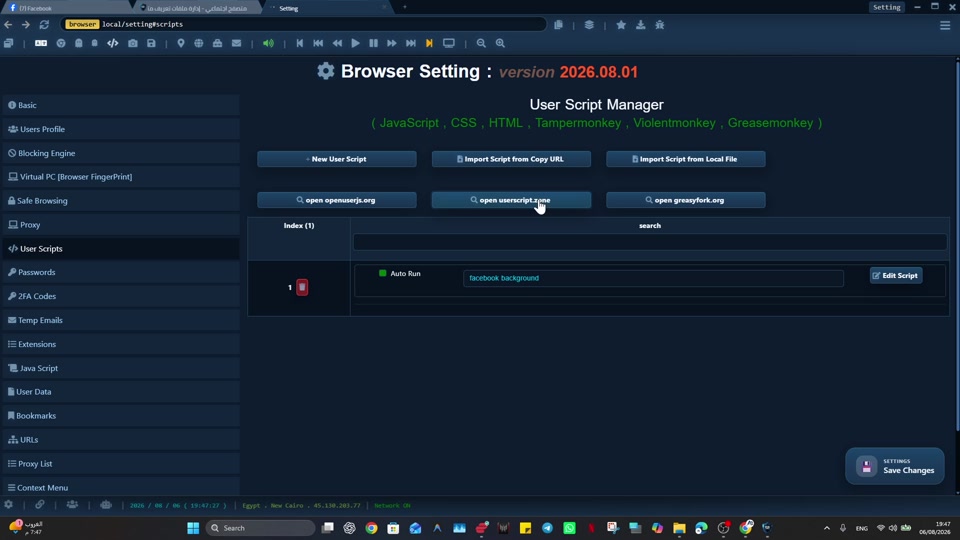
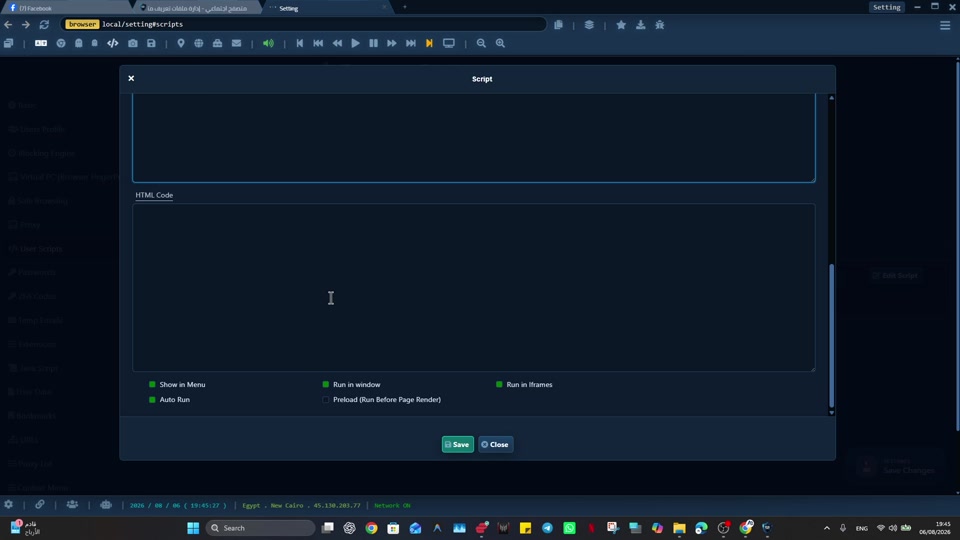
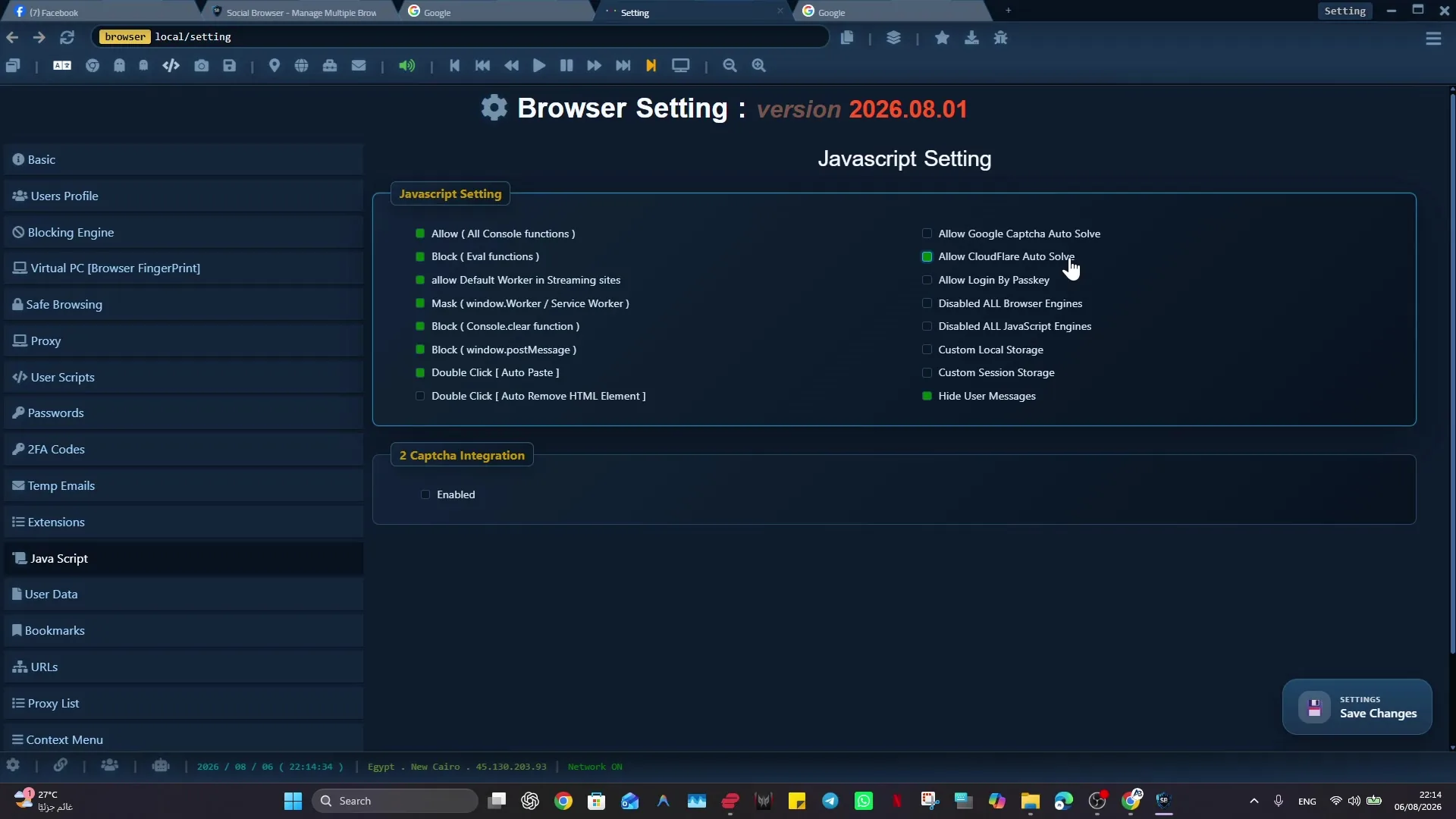
Developers spend a surprising amount of time inside browsers performing work that is not exactly browsing. They test flows, inspect sessions, manage admin panels, operate dashboards, scrape visible states, validate account behavior, and build small routines that save hours. Social Browser gives developers a more controlled place to do this work. It combines browser profiles, account context separation, user scripts, automation, and repeatable state so development tasks can be treated as reliable workflows.
For developers, Social Browser is useful because it brings scriptable behavior closer to the browser profile that owns the state. Instead of pushing every routine into a separate external tool, a developer can connect automation to the profile, account, proxy, and page context where the work actually happens.
Developer use cases for Social Browser
- Run user scripts against known profiles and page states.
- Separate test accounts, admin accounts, client accounts, and production review accounts.
- Prepare repeatable browser setups for QA and support investigation.
- Automate routine page checks, data collection, and form preparation.
- Control browser behavior while preserving the account context needed for accurate testing.
Developer Workflow Improvements
| Workflow | Without controlled profiles | With Social Browser | Developer benefit |
|---|---|---|---|
| QA testing | State is rebuilt manually | Profiles preserve known states | Faster retesting |
| User scripts | Scripts run in loose contexts | Scripts align with profile purpose | Fewer surprises |
| Admin panels | Access can mix with personal sessions | Admin work stays isolated | Cleaner boundaries |
| Automation | External tools guess page context | Browser control sees real state | More reliable routines |
| Client support | Investigations are hard to reproduce | Dedicated support profiles | Clearer diagnosis |
Developers Need More Than DevTools
Developers Need More Than DevTools matters for one reason: DevTools explains what is happening on a page, but it does not organize the account context and workflow around that page. A practical approach follows from that: developers can use Social Browser profiles as durable browser setups for specific accounts, test roles, and investigation tasks.
Example: A support engineer can keep one profile for a buyer role, one for a seller role, and one for an internal admin role. Main risk: Switching roles in a normal browser often leaves hidden state behind and makes bugs harder to reproduce. Payoff: Controlled profiles make browser based debugging more consistent.
User Scripts Need Context
The core issue is straightforward: a user script is only as dependable as the browser state where it runs. One working rule follows from it: linking scripts to the right profile purpose keeps automation close to the cookies, storage, permissions, and page patterns it expects.
A representative case: A script that prepares a dashboard view can be attached to the profile used for that dashboard instead of floating across unrelated accounts. What can go wrong: Scripts that run in the wrong context can produce confusing results or modify the wrong page. What good looks like: Context aware scripts are easier to reason about and easier to maintain.
Automation Should Start From Known State
This section focuses on one operating fact: browser automation fails most often when the starting state is different from what the script assumed. The practical response is clear: Social Browser profiles can preserve logged in states, bookmarks, network settings, and setup conventions for a specific automation path.
Example: A QA routine can begin from a buyer profile that already represents the correct permissions and account history. Risk: External automation that starts from a blank or mixed browser state spends too much time repairing context. Expected benefit: Known state reduces setup code and makes failures more meaningful.
Profiles Make Testing Roles Visible
Web applications often behave differently for user roles, regions, account ages, and permission levels. One operating rule helps keep that boundary visible: developers can create visible profile groups that map to the roles they need to test.
One concrete example: A marketplace test set might include new buyer, repeat buyer, seller, moderator, and finance reviewer profiles. Risk: Role testing inside one browser session invites accidental permission leakage and false confidence. Benefit: Role specific profiles make coverage easier to see and explain.
Browser Control Bridges Manual And Automated Work
For browser control bridges manual and automated work, start from the problem itself: many developer workflows are not fully manual or fully automated; they live in the middle. Then make the working rule explicit: an organized browser can let scripts prepare the repetitive part while a human reviews the judgment part.
In a real workflow: A script can open failing records, capture page metadata, and leave the developer at the exact place that needs inspection. Watch for this failure mode: All or nothing automation often gets abandoned because edge cases still need human judgment. Intended result: Hybrid browser control respects the shape of real debugging work.
Production Access Needs Boundaries
Production Access Needs Boundaries matters for one reason: developers sometimes need to inspect production systems, but that access should not blend into ordinary browsing. A practical approach follows from that: dedicated production review profiles create a visible boundary around sensitive accounts and admin panels.
Example: A read only admin profile can be named, grouped, and configured differently from a local testing profile. Main risk: Production access inside a general browser increases the chance of acting in the wrong browser setup. Payoff: Clear browser boundaries support safer operational discipline.
Support Investigations Become Reproducible
The core issue is straightforward: support issues often depend on account history, permissions, cookies, and browser setup details. One working rule follows from it: Social Browser can preserve investigation profiles that recreate the same account conditions across multiple review sessions.
A representative case: An engineer investigating a checkout issue can keep the buyer state separate from internal admin tools. What can go wrong: Recreating context from memory wastes time and may hide the bug. What good looks like: A reproducible browser setup helps turn vague reports into testable cases.
Small Scripts Create Big Leverage
This section focuses on one operating fact: not every useful developer tool needs to become a full application. The practical response is clear: user scripts can add buttons, capture fields, normalize page views, or automate small sequences inside a known profile.
Example: A script might copy diagnostic values from several panels and format them for an internal ticket. Risk: Without a controlled place to run, small scripts become scattered personal hacks. Expected benefit: Social Browser gives lightweight automation a home.
Browser State Is Part Of The System
Developers often think about code, APIs, and databases while underestimating the browser state that connects them. One operating rule helps keep that boundary visible: treating profile state as an explicit part of the workflow makes tests and investigations less mysterious.
One concrete example: A bug that appears only in one account age or permission state can be kept alive in a dedicated profile until it is fixed. Risk: If state is invisible, teams may close issues that were never truly understood. Benefit: Visible browser state improves technical judgment.
A Better Developer Browser Is An Operations Tool
For a better developer browser is an operations tool, start from the problem itself: developers increasingly work inside live web systems, not only local editors. Then make the working rule explicit: Social Browser can function as an operations layer for controlled testing, automation, and browser side tooling.
In a real workflow: A developer can move from script development to QA review to support diagnosis without losing the profile boundaries of each task. Watch for this failure mode: Ordinary browser workflows blur these tasks together because they were designed for personal use. Intended result: Developers gain a browser setup that matches the seriousness of the systems they maintain.
Practical Next Step
Before expanding “Social Browser for Developers: User Scripts, Automation, and Browser Control”, prove the smallest useful version: test one extension or User Script in a non-critical Profile. Review its source, permissions, and page scope, then confirm normal browsing before using it across more Profiles.
Important Limits and Safe Use
When applying “Social Browser for Developers: User Scripts, Automation, and Browser Control”, keep this limit explicit: extensions and User Scripts can execute code inside browser contexts, so source trust and scope matter as much as convenience.
- Install code only from sources you trust and review.
- Use the smallest page scope and permissions that fit the task.
- Test updates in a non-critical Profile before wider rollout.
Expand “Social Browser for Developers: User Scripts, Automation, and Browser Control” only after the expected result is repeatable, documented, and appropriate for the service being used.
Conclusion
The useful final test for “Social Browser for Developers: User Scripts, Automation, and Browser Control” is whether the customization behaves predictably within the intended Profile and scope.