
Social Browser Guide
How to Build a Productive Daily Workflow Using Social Browser
How to build a daily Social Browser workflow that is organized, safe, repeatable, and productive.
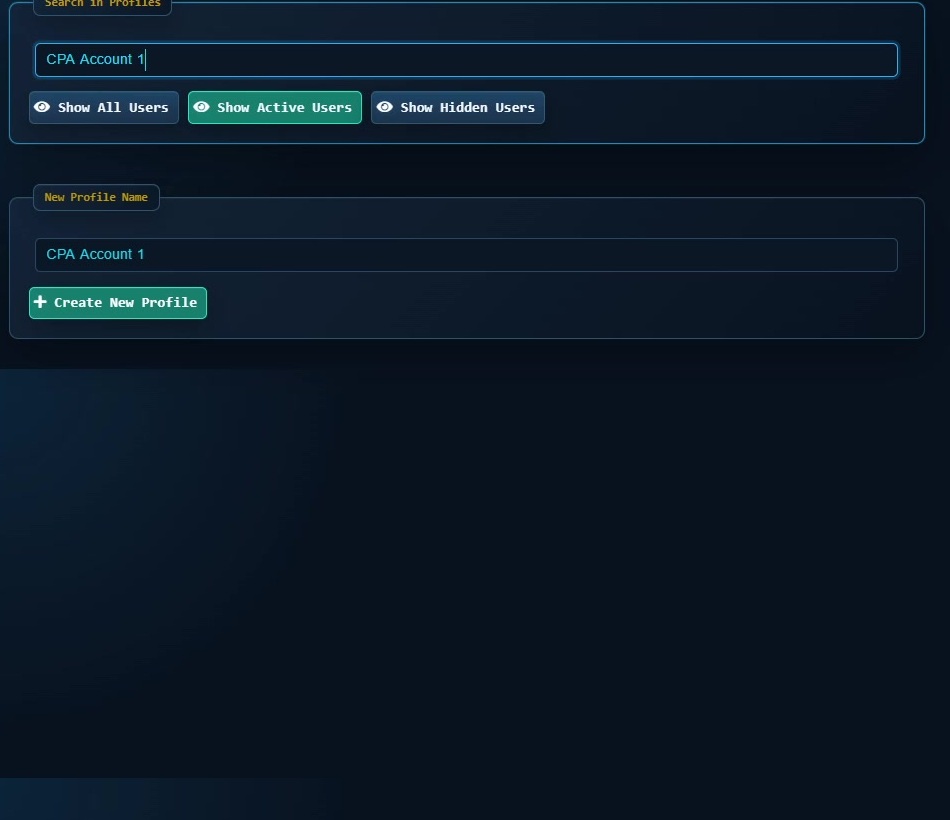
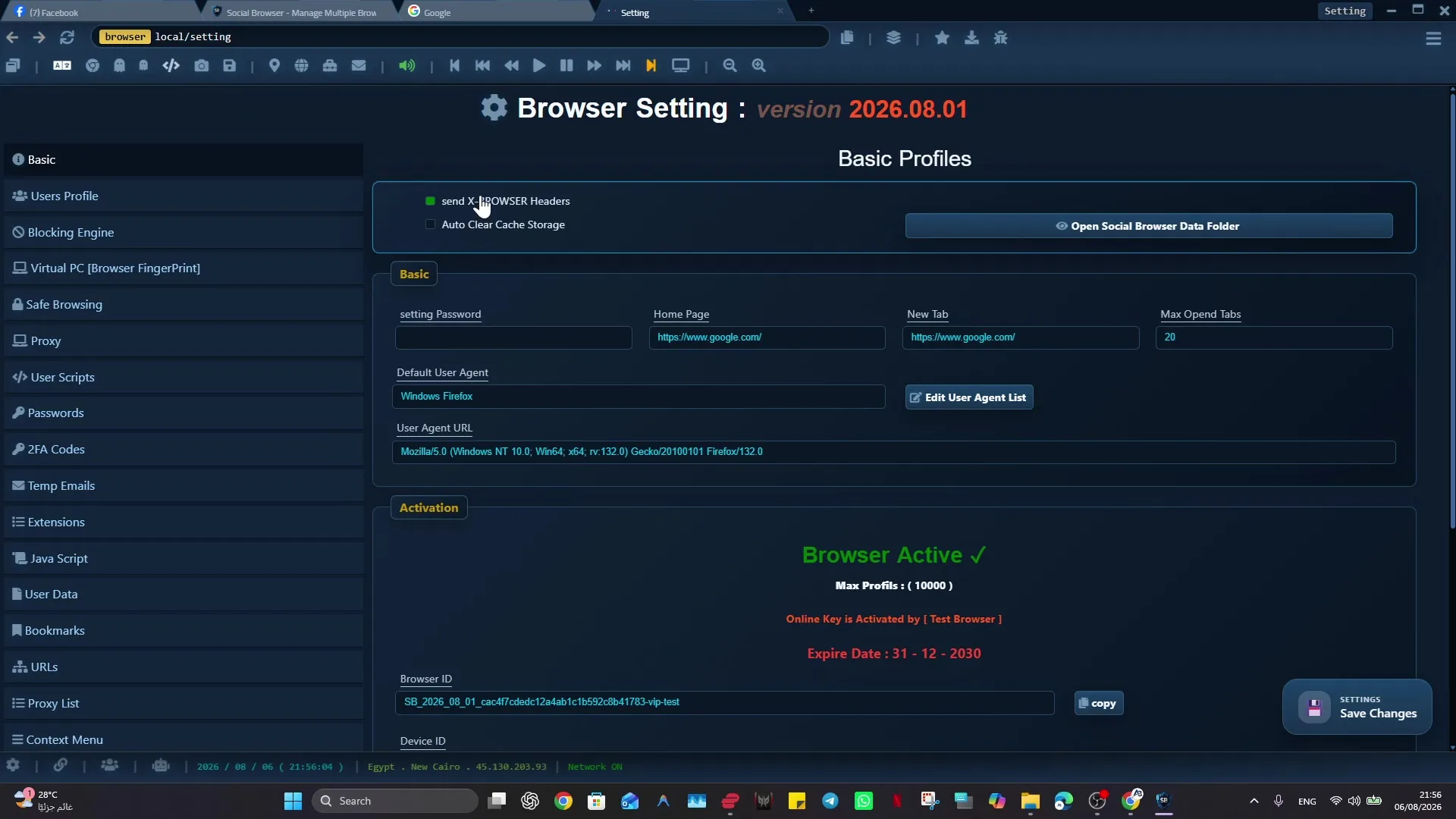
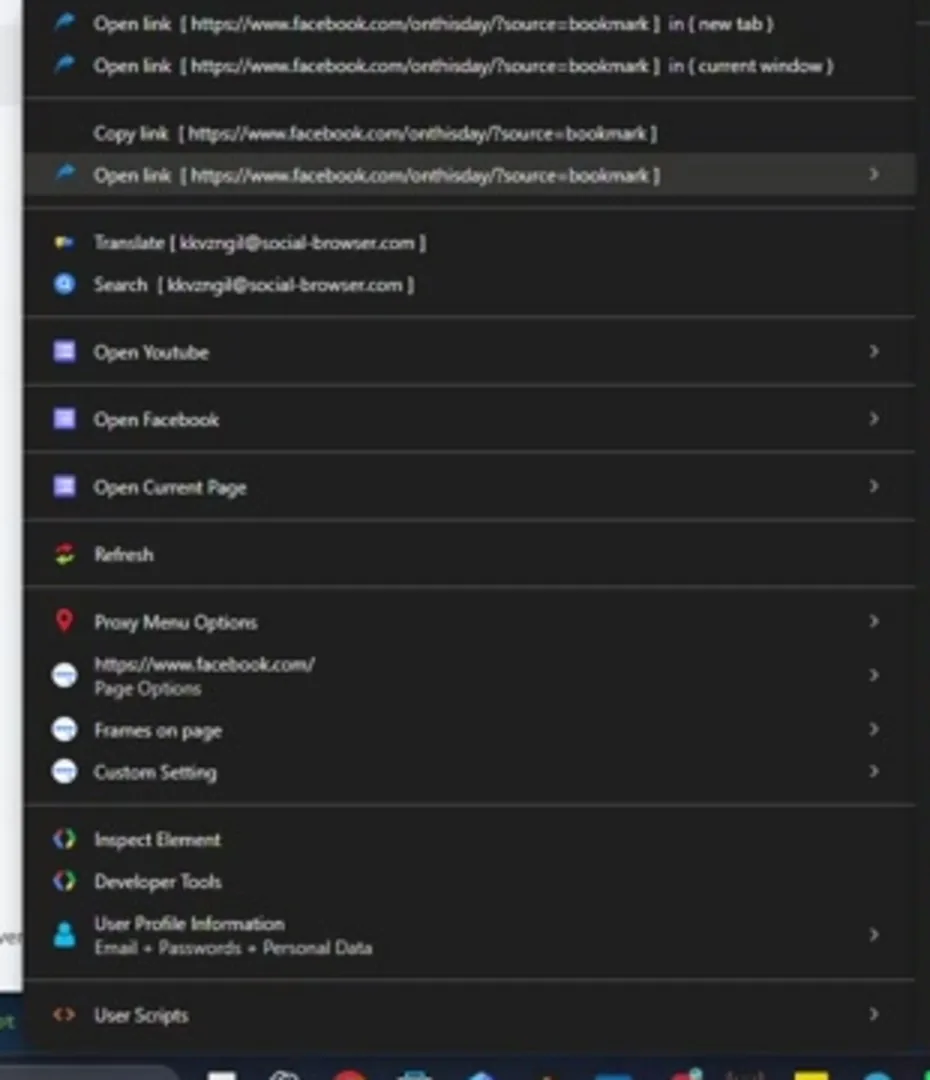
A reliable approach to building a productive daily workflow with Social Browser starts with explicit browser context, especially when daily browser work loses time when setup, account switching, checks, and handoffs are repeated manually. Daily operators, marketers, developers, support teams, agencies, and team leads can then separate the work by Profile and review each workflow on its own terms.
Social Browser approaches this work as a persistent Profile workflow rather than a collection of temporary tabs. For building a productive daily workflow with Social Browser, that matters because it lets users design repeatable daily profiles with clear profiles, routines, and review habits.
Daily workflow checklist
- Use dedicated profiles for every important account, campaign, role, or task.
- Keep session state, notes, and ownership close to the profile that needs them.
- Use browser automation and customization only where they have a clear purpose.
- Review profiles regularly so inactive, risky, or outdated work does not accumulate.
- Respect platform policies, privacy requirements, and local laws while improving productivity.
Daily Workflow Compared With Standard Browsing
| Area | Standard browser pattern | Social Browser pattern | Professional value |
|---|---|---|---|
| Profiles | Personal or informal | Purpose-built work units | Clearer ownership |
| Sessions | Often mixed across tasks | Separated by profile and workflow | Lower operational confusion |
| Automation | External or scattered | Connected to profile context | More reliable execution |
| Customization | Extension-first and personal | Workflow-first and reviewable | Safer browser behavior |
| Team process | Depends on memory and messages | Documented team procedures | Better collaboration |
Practical Next Step
Treat “How to Build a Productive Daily Workflow Using Social Browser” as a testable workflow rather than a broad configuration change: prove the workflow on one non-critical Profile first. Verify targets, typed values, waits, side effects, and recovery before adding schedules, more Profiles, or higher concurrency.
Important Limits and Safe Use
The main safety constraint for “How to Build a Productive Daily Workflow Using Social Browser” is straightforward: automation should remain explicit, reviewable, and limited to permitted work. Faster execution should never remove the checks that make a workflow safe to repeat.
- Test on a low-risk Profile before scheduling or scaling.
- Verify side effects such as submissions, messages, purchases, or account changes.
- Use waits, recovery, and human review where the result matters.
Expand “How to Build a Productive Daily Workflow Using Social Browser” only after the expected result is repeatable, documented, and appropriate for the service being used.
Conclusion
The useful final test for “How to Build a Productive Daily Workflow Using Social Browser” is whether the same verified result can be repeated without hiding failures or side effects.