
Practical Guide · Playwright
Playwright Persistent Context vs Browser Profiles: What's the Difference?
Compare Playwright persistent contexts with desktop browser profiles: storage, lifetime, test isolation, debugging and team workflows.
Published October 11, 2026 · Social Browser Editorial Team
Why this matters
Developers often encounter two similar-sounding ideas: a Playwright persistent context and a desktop browser Profile. Both can preserve session information, but they solve different operational problems. One is an API-controlled browser environment designed for programmatic workflows; the other is a human-operable workspace that may also support automation. Deciding between them starts with the task, its lifetime and who needs to inspect the result.
What Playwright's persistent context provides
Playwright's launchPersistentContext approach launches a browser using a specified user data directory. It can retain browser state such as cookies and local storage according to the browser implementation and test setup. This is useful for workflows that need continuity across script runs. It also means the directory contains sensitive authentication state; don't reuse the same directory concurrently without understanding locking and profile ownership. Avoid pointing automated tests at a person's everyday personal Chrome directory.
How a desktop Profile differs
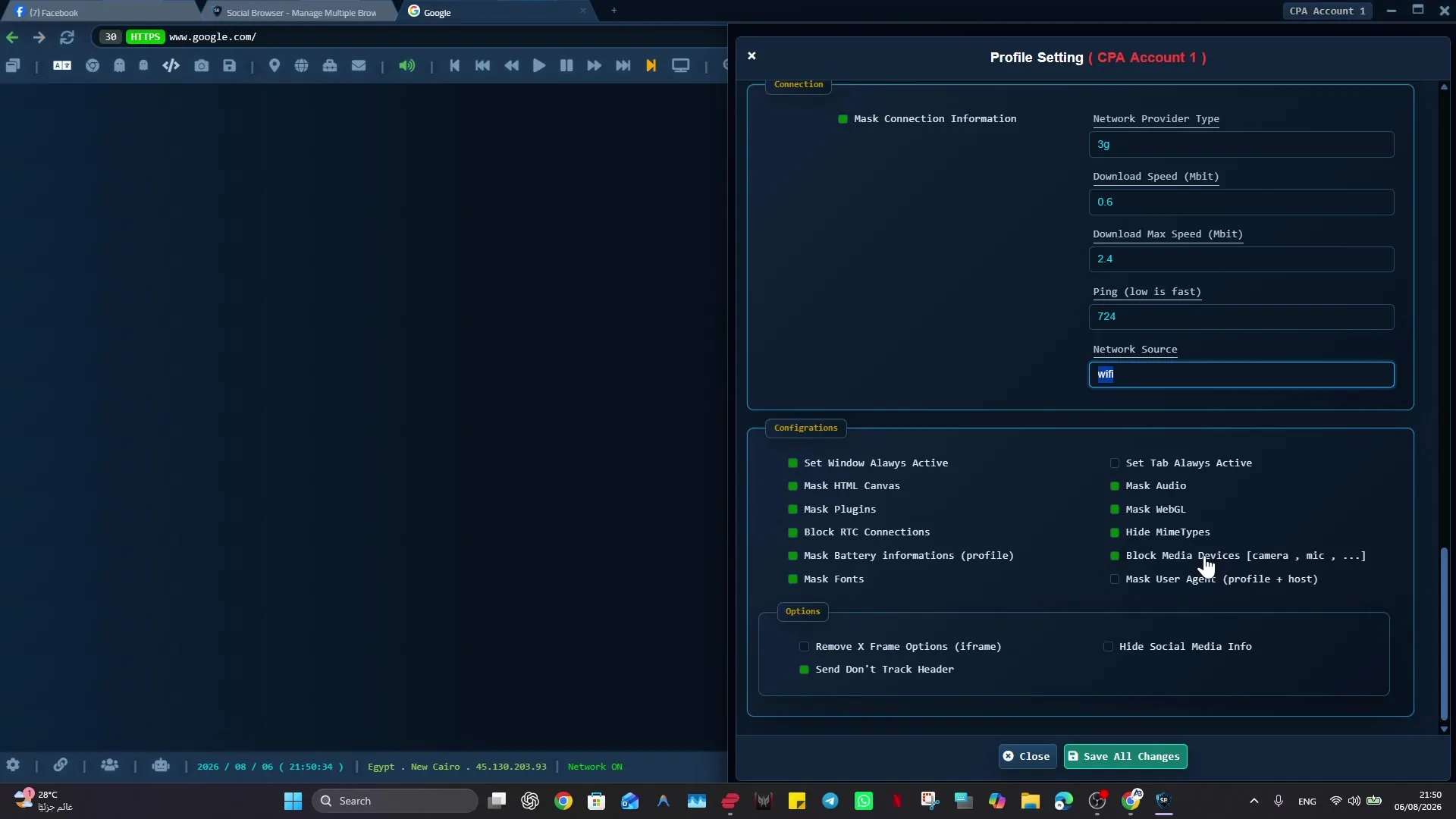
A desktop Profile is an environment a person can repeatedly open, inspect and manage. It may have its own extensions, privacy controls, bookmarks, proxy settings and workflow associations, depending on the product. Social Browser organizes this environment around persistent Profiles and provides automation tools connected to those contexts. The advantage is operational visibility: staff can identify which client or task an automation is meant to serve instead of discovering that only from source code.
Trade-offs in tests, long-running tasks and reviews
Playwright is strong for code-centric assertions, reproducible tests, browser-engine integration and CI pipelines. It should generally create disposable contexts when tests must be isolated and repeatable. A persistent desktop Profile is more natural for workflows involving human review, ongoing work sessions and manually configured accounts. Mixing both approaches without explicit control can create conflicts over active sessions, profile locks and extension behavior.
A practical decision matrix
For isolated unit-like browser tests, favor fresh automation contexts. For a permitted recurring workflow requiring a human to sign in and inspect a session, consider a managed persistent Profile. For large-scale remote testing, compare infrastructure, traceability and concurrency limits rather than assuming one desktop application scales identically to a test fleet. Do not infer that a persistent environment will defeat bot detection or restore revoked authentication.
Decision table: a persistent test context or a human workspace?
The decision is easier when the owner of the browser state is explicit. In a Playwright test suite, a user data directory is usually a fixture that belongs to one test worker or a controlled test case. In a human-operated desktop workspace, a browser Profile belongs to an approved client, task or role. Both may store cookies and local state, but they differ in how they are opened, reviewed, backed up and retired.
Playwright documents that a persistent context uses one user data directory and that multiple browser instances should not launch with that directory simultaneously. Therefore a test worker should not borrow the analyst’s already-open Profile. Equally, an analyst should not treat a disposable CI browser as a reliable long-term customer workstation. Keeping the owners separate makes session expiry, debugging and access revocation easier to reason about.
An effective combination is to use disposable contexts for login, permission and responsive-layout regression tests, while maintaining separate approved desktop Profiles for supervised recurring operations. When testing a workflow end to end, verify the actual account and the final service state in either environment. Persistence is a convenience for authorized state continuity, not a reliability guarantee or a way to defeat authentication controls.
Verification checklist
- Use isolated disposable test contexts when repeatability matters most.
- Reserve persistent user data directories for tasks that require continuity.
- Never launch two workers against one active user-data directory.
- Treat both test fixtures and desktop Profile storage as potentially sensitive.
Implementation checklist
- Write down whether the task is a repeatable test or ongoing account work.
- Decide whether it needs persistent storage, human review or both.
- Choose one owner for each user data directory.
- Test expiry, restart and concurrent-use behavior.
- Keep logs and session files free of unnecessary secrets.
Example: putting the guidance into practice
A QA engineer uses disposable Playwright contexts to run login regression tests on each commit. A business analyst instead keeps an approved reporting account in a named Social Browser Profile for a supervised weekly process. Both use browser state, but their success criteria are different.
Frequently asked questions
Does launchPersistentContext guarantee a session never expires?
No. The website controls authentication validity and can revoke session material.
Is a Playwright persistent context identical to a Social Browser Profile?
No. They overlap in persistent browser state but differ in user interface, tooling, lifecycle and management model.
Important boundaries
The guidance above assumes authorized accounts and compliance with each service’s terms. Separate Profiles and automation can improve organization; they do not grant access rights, remove authentication requirements, guarantee anonymity, or eliminate security risk. Validate the workflow with a real reviewer before using it on sensitive production data.
Next step with Social Browser
Choose one small, permitted workflow, verify its starting account and define evidence of success before scaling. Social Browser can keep the relevant browser context organized while your team controls permissions, review and final decisions.
Explore the relevant Social Browser capability · Download for Windows · Download for Linux
Official documentation and further reading
Use these primary references to verify the relevant platform capabilities and permissions. Vendor documentation can change; confirm the current terms and product version before acting.