
Social Browser Guide
Why Social Browser Can Become a Browser-as-a-Service Platform
A product and business view of how Social Browser can grow into a Browser-as-a-Service platform for professional teams.
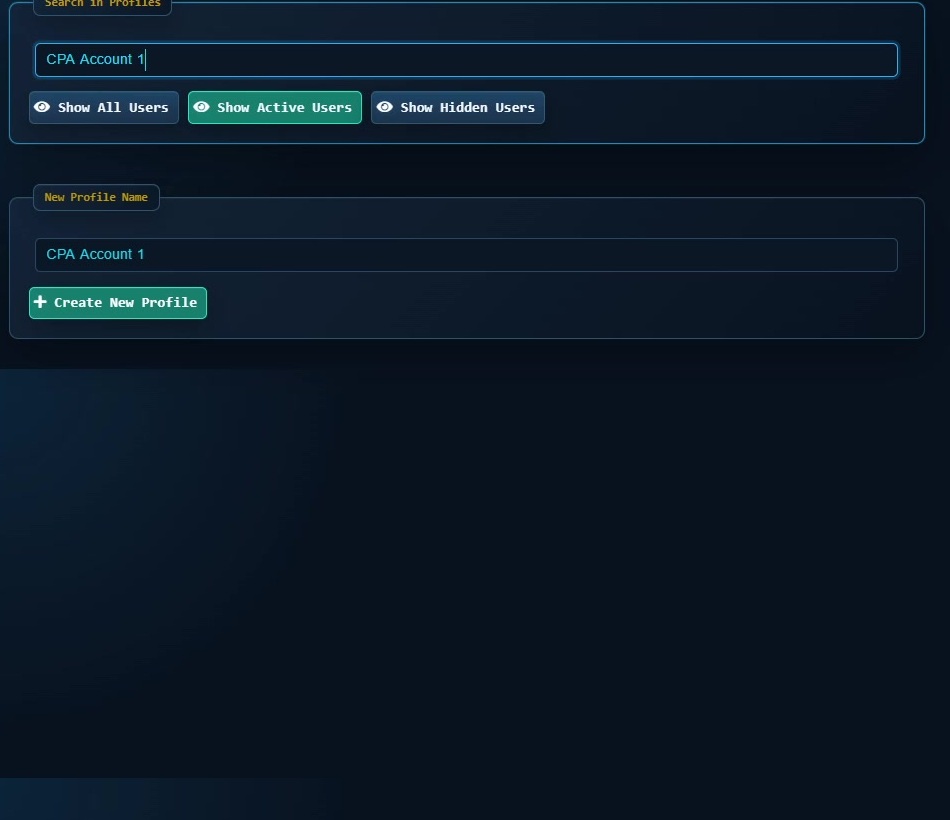
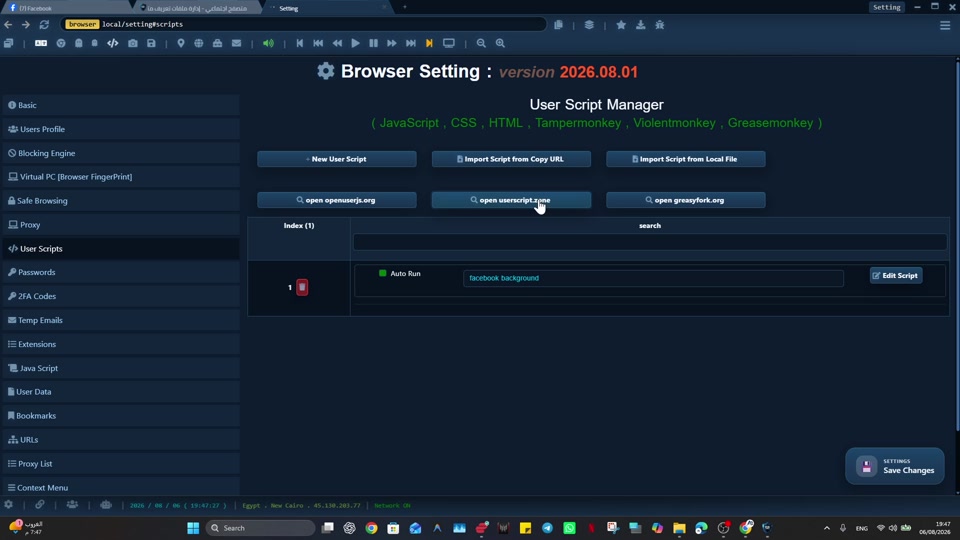
A reliable approach to explaining Social Browser as a Browser-as-a-Service platform opportunity starts with explicit browser context, especially when teams need browser setup that can be organized, standardized, extended, and delivered as a service. Partners, investors, product leaders, agencies, and technical teams can then separate the work by Profile and review each workflow on its own terms.
Social Browser approaches this work as a persistent Profile workflow rather than a collection of temporary tabs. For explaining Social Browser as a Browser-as-a-Service platform opportunity, that matters because it already connects the key platform pieces: profiles, profiles, scripts, extensions, sessions, and team process.
Browser-as-a-Service building blocks
- Use dedicated profiles for every important account, campaign, role, or task.
- Keep session state, notes, and ownership close to the profile that needs them.
- Use browser automation and customization only where they have a clear purpose.
- Review profiles regularly so inactive, risky, or outdated work does not accumulate.
- Respect platform policies, privacy requirements, and local laws while improving productivity.
Browser-as-a-Service Compared With Standard Browsing
| Area | Standard browser pattern | Social Browser pattern | Professional value |
|---|---|---|---|
| Profiles | Personal or informal | Purpose-built work units | Clearer ownership |
| Sessions | Often mixed across tasks | Separated by profile and workflow | Lower operational confusion |
| Automation | External or scattered | Connected to profile context | More reliable execution |
| Customization | Extension-first and personal | Workflow-first and reviewable | Safer browser behavior |
| Team process | Depends on memory and messages | Documented team procedures | Better collaboration |
Practical Next Step
A practical checkpoint for “Why Social Browser Can Become a Browser-as-a-Service Platform” is to validate one narrow case first: prove the workflow on one non-critical Profile first. Verify targets, typed values, waits, side effects, and recovery before adding schedules, more Profiles, or higher concurrency.
Important Limits and Safe Use
A responsible implementation of “Why Social Browser Can Become a Browser-as-a-Service Platform” starts with this boundary: automation should remain explicit, reviewable, and limited to permitted work. Faster execution should never remove the checks that make a workflow safe to repeat.
- Test on a low-risk Profile before scheduling or scaling.
- Verify side effects such as submissions, messages, purchases, or account changes.
- Use waits, recovery, and human review where the result matters.
Expand “Why Social Browser Can Become a Browser-as-a-Service Platform” only after the expected result is repeatable, documented, and appropriate for the service being used.
Conclusion
The useful final test for “Why Social Browser Can Become a Browser-as-a-Service Platform” is whether the same verified result can be repeated without hiding failures or side effects.