
Practical Guide · Linux
Best Multi-Profile Browsers for Linux in 2026: What Teams Should Compare
Evaluate Linux browsers for isolated accounts and persistent workspaces, including Chromium profiles, Firefox containers and Social Browser.
Published October 11, 2026 · Social Browser Editorial Team
Why this matters
Linux developers and digital teams often need separate browser identities for client support, QA, regional testing and daily operations. The best tool depends on whether you need isolated site data, independent proxy configuration, extensions, repeatable automation or shared team procedures. A useful comparison begins with the workload rather than a claimed universal ranking. Features and packaging evolve, so validate current builds on your specific distribution.
Start with built-in options
Chromium-family browsers provide user profiles that can separate much of the browser's stored account state. Firefox has profiles and a container ecosystem that can offer another way to partition website activity. These built-in approaches may be sufficient for casual two-account use. Before installing another tool, test whether the required cookies, local storage, extensions and account switch process remain independent. Do not confuse profile separation with anonymity or protection from every tracking technique.
Evaluate professional workspace tools
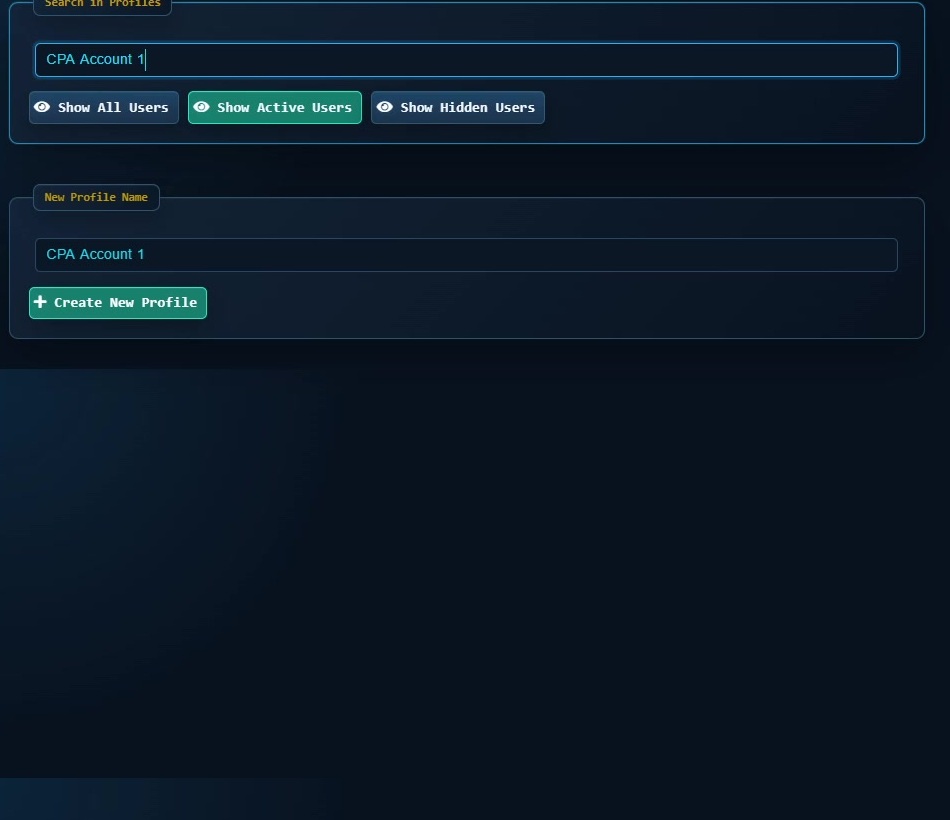
For many accounts, look beyond the number of Profile buttons. Compare naming and grouping, per-Profile settings, proxy management, supported extensions, user scripts and whether workflows can be repeated. Social Browser offers a Linux version and a profile-based workflow model; verify packaging, system requirements and the current availability of features in that build. Specialist tools may prioritize fingerprint management or managed cloud infrastructure instead, which is a different trade-off.
Test Linux compatibility before rollout
Choose a representative distribution, desktop environment and session type. Confirm the actual package format and dependencies, extension behavior, hardware rendering, downloads, keychain interactions and proxy connectivity. Run simultaneous Profiles while watching memory consumption. Test how upgrades preserve or migrate browser data, and keep a recoverable backup of nonpublic account state. A green install result does not prove that your team's preferred workflow will work correctly.
Use a simple decision worksheet
Score each candidate on operational isolation, security controls, automation, portability, performance and maintenance burden. Weight criteria by your real use case: QA may prioritize reproducibility and traces, whereas an agency may prioritize human-readable Profiles and account handoffs. Read current vendor documentation and test a limited pilot instead of relying on comparison posts written for older releases.
Implementation checklist
- List the number and type of accounts to manage.
- Test native browser profiles or containers first.
- Try Social Browser's current Linux build on one device.
- Verify session isolation, extensions, networking and backup behavior.
- Choose based on measured workflow results, not marketing claims.
Example: putting the guidance into practice
A Linux-based support team needs four separate client dashboards and occasional scripted checks. It compares native Chromium profiles with a Social Browser workspace by measuring setup time, account confusion and recovery after updates. It chooses the simpler approach that meets authorization and maintenance requirements.
Frequently asked questions
Is Social Browser available on Linux?
Yes, a Linux build is offered; check the current official download page for formats and requirements.
Does using a multi-profile browser prevent websites from linking accounts?
No. Websites can use account information, network signals and other data; profiles mainly separate local browsing state.
Important boundaries
The guidance above assumes authorized accounts and compliance with each service’s terms. Separate Profiles and automation can improve organization; they do not grant access rights, remove authentication requirements, guarantee anonymity, or eliminate security risk. Validate the workflow with a real reviewer before using it on sensitive production data.
Next step with Social Browser
Choose one small, permitted workflow, verify its starting account and define evidence of success before scaling. Social Browser can keep the relevant browser context organized while your team controls permissions, review and final decisions.
Explore the relevant Social Browser capability · Download for Windows · Download for Linux
Official documentation and further reading
Use these primary references to verify the relevant platform capabilities and permissions. Vendor documentation can change; confirm the current terms and product version before acting.