
Practical Guide · GoLogin Alternatives
GoLogin Alternatives for Developers Who Need Browser Automation
Evaluate alternatives to GoLogin for developers who care about local Profiles, APIs, scripting, testing, security and reproducibility.
Published October 11, 2026 · Social Browser Editorial Team
Why this matters
Developers searching for GoLogin alternatives may want very different outcomes: profile-oriented manual work, browser fingerprint controls, programmatic testing or persistent authenticated automation. Choosing an alternative requires identifying the underlying need instead of searching for a product with the most overlapping feature badges. This comparison explains the trade-offs without making unverified claims about another vendor's current plan limits.
Write down why an alternative is needed
Is the problem total cost, operating-system support, local profile visibility, debugging, integration with existing code or account access governance? An alternative optimized for fingerprint-management workflows may not be the best option for ordinary QA tests. Playwright, Selenium and Puppeteer may serve a developer's automation needs with fewer moving parts, while desktop workspace products can simplify supervised, persistent account environments. Compare these as categories before comparing brand names.
Separate isolation from anti-detect marketing
Isolated Profiles can keep local cookies and session state separate. Fingerprint management changes how a browser reports some environment properties and carries different technical and policy implications. Neither capability guarantees that a platform treats accounts as unrelated or permits multiple identities. Evaluate the real business task and the website's rules first. If the purpose is legitimate client account organization, local Profile clarity may matter more than fingerprint customization.
Compare scripting and lifecycle features
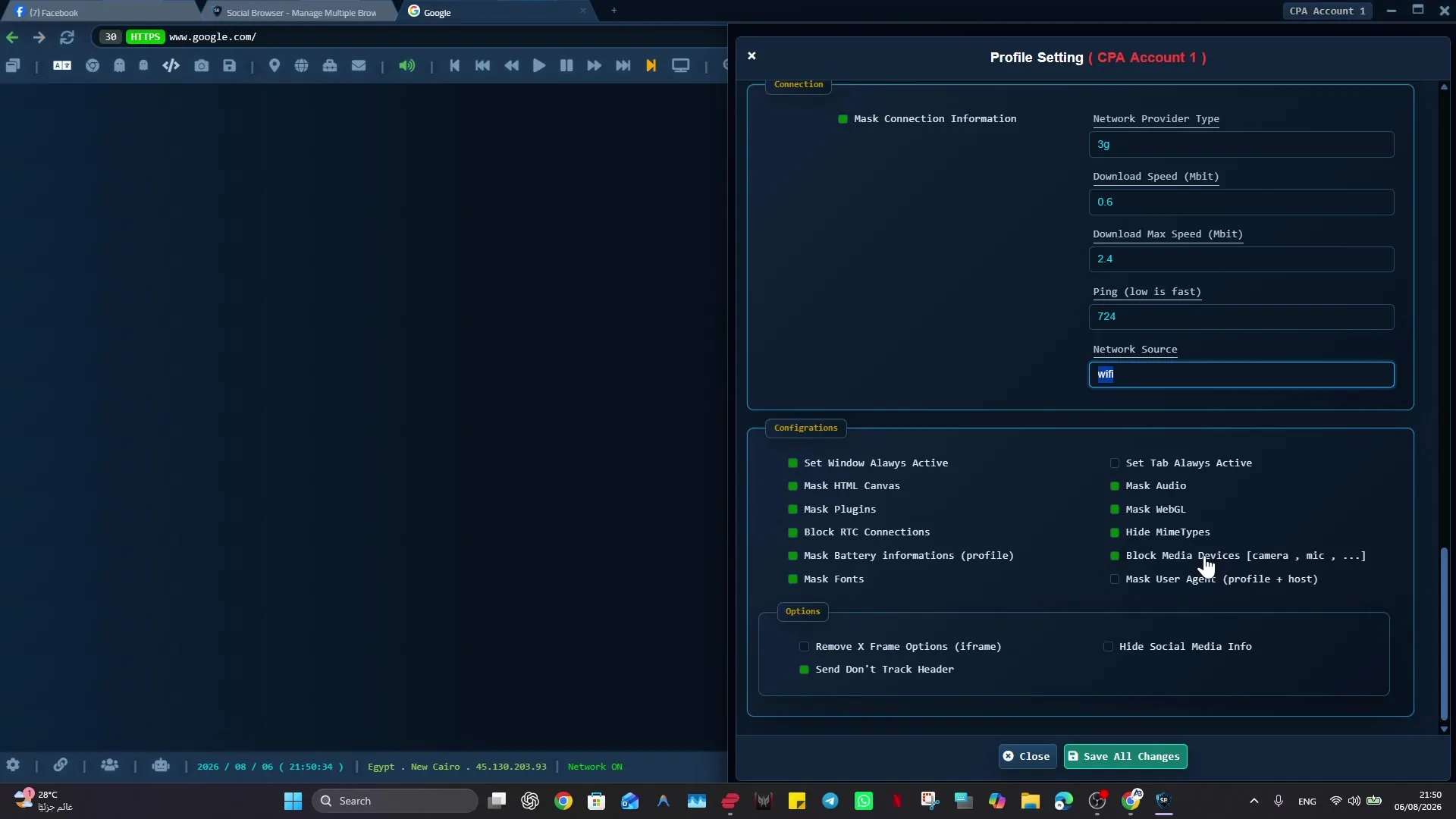
A developer should test API documentation, error reporting, session persistence, extension compatibility, concurrency and debugging evidence. Verify how a Profile is selected and whether a script can safely stop when an unexpected login prompt appears. Review local data handling, backup procedures and who can access stored session material. Social Browser provides Profile-oriented workflows, JavaScript-related controls and MCP integration; validate the current build against your required API behavior.
Pilot with an authorized task
Start with a staging environment or a read-only internal account. Reproduce the same operation across candidate tools, then intentionally change a page label or expire the session. Record whether the system detects the failure and whether a person can inspect the result. Do not use automation reliability as an excuse to evade account restrictions or security challenges.
Implementation checklist
- Name the use case and the reason for switching.
- Compare native libraries with desktop profile tools.
- Check current docs, OS support and total costs.
- Test authentication expiry and concurrent use safely.
- Choose the option with measurable maintainability benefits.
Example: putting the guidance into practice
A software company needs to verify that five user roles see the right billing page. Its developers discover that disposable Playwright contexts cover most tests, while support analysts still benefit from named desktop Profiles for manual review. The best solution is not always one replacement product.
Frequently asked questions
Is GoLogin only a testing framework?
It is generally positioned as a specialized browser-profile product; verify its current offering from official documentation.
Can Social Browser guarantee an identical fingerprinting feature set?
No. Evaluate documented and demonstrated features directly instead of assuming parity.
Important boundaries
The guidance above assumes authorized accounts and compliance with each service’s terms. Separate Profiles and automation can improve organization; they do not grant access rights, remove authentication requirements, guarantee anonymity, or eliminate security risk. Validate the workflow with a real reviewer before using it on sensitive production data.
Next step with Social Browser
Choose one small, permitted workflow, verify its starting account and define evidence of success before scaling. Social Browser can keep the relevant browser context organized while your team controls permissions, review and final decisions.
Explore the relevant Social Browser capability · Download for Windows · Download for Linux
Official documentation and further reading
Use these primary references to verify the relevant platform capabilities and permissions. Vendor documentation can change; confirm the current terms and product version before acting.