
Social Browser Guide
The Problem with Managing Multiple Accounts in One Standard Browser
Why one standard browser becomes risky and confusing when professional teams manage many accounts at once.

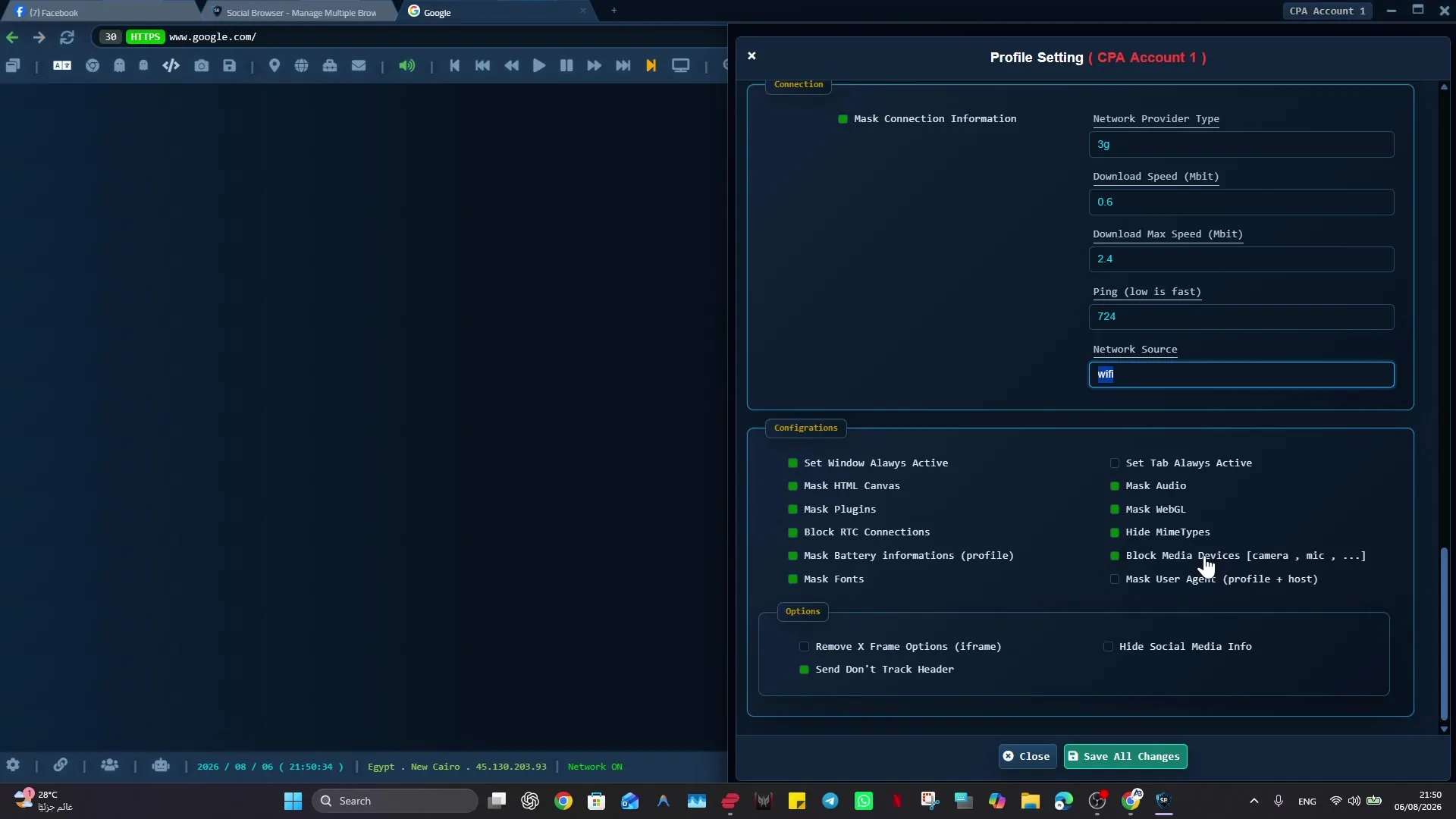
A reliable approach to solving the problem of many accounts in one standard browser starts with explicit browser context, especially when many accounts in one standard browser can mix sessions, cookies, permissions, and account actions. Marketers, agencies, support teams, affiliates, and account managers can then separate the work by Profile and review each workflow on its own terms.
Social Browser approaches this work as a persistent Profile workflow rather than a collection of temporary tabs. For solving the problem of many accounts in one standard browser, that matters because it separates account work into controlled profile browser setups with clearer ownership.
Common multi-account problems
- Use dedicated profiles for every important account, campaign, role, or task.
- Keep session state, notes, and ownership close to the profile that needs them.
- Use browser automation and customization only where they have a clear purpose.
- Review profiles regularly so inactive, risky, or outdated work does not accumulate.
- Respect platform policies, privacy requirements, and local laws while improving productivity.
Multiple Account Problem Compared With Standard Browsing
| Area | Standard browser pattern | Social Browser pattern | Professional value |
|---|---|---|---|
| Profiles | Personal or informal | Purpose-built work units | Clearer ownership |
| Sessions | Often mixed across tasks | Separated by profile and workflow | Lower operational confusion |
| Automation | External or scattered | Connected to profile context | More reliable execution |
| Customization | Extension-first and personal | Workflow-first and reviewable | Safer browser behavior |
| Team process | Depends on memory and messages | Documented team procedures | Better collaboration |
Practical Next Step
Treat “The Problem with Managing Multiple Accounts in One Standard Browser” as a testable workflow rather than a broad configuration change: choose one Profile with one explicit account or role purpose. Confirm its session state stays separate, then add network settings, scripts, or extensions only when that Profile actually needs them.
Important Limits and Safe Use
The main safety constraint for “The Problem with Managing Multiple Accounts in One Standard Browser” is straightforward: profile isolation reduces accidental state mixing, but it does not grant access to accounts or replace the rules of the services you use.
- Give each important Profile one clear purpose.
- Keep credentials and exported session data protected.
- Archive or remove obsolete Profiles so old access does not become hidden operational debt.
Expand “The Problem with Managing Multiple Accounts in One Standard Browser” only after the expected result is repeatable, documented, and appropriate for the service being used.
Conclusion
The useful final test for “The Problem with Managing Multiple Accounts in One Standard Browser” is whether the account state and purpose stay clearly separated from unrelated work.