
Social Browser Help Guide
Troubleshooting: A Site Does Not Load Correctly in Social Browser
Use a calm checklist for broken pages before changing many profile, proxy, blocking, or JavaScript settings at once.
Expected Result
You should isolate whether the issue comes from the website, the profile, proxy settings, blocking rules, JavaScript settings, permissions, cache, or compatibility mode.
This guide is written for users diagnosing broken pages, blank screens, missing popups, failed videos, blocked frames, or repeated reloads. It follows the Social Browser product reference: profiles are browser environments, proxies are user-supplied, and advanced controls should be described responsibly.
Before You Start
- Know the Social Browser version if you need support.
- Keep the website URL and exact error text available.
- Do not share passwords, cookies, session exports, proxy passwords, or 2FA secrets.
- Test with one setting category at a time.
Steps
- Reload the page normally once.
- Try a hard reload if cached data may be stale.
- Open the same page in a clean or less-modified profile.
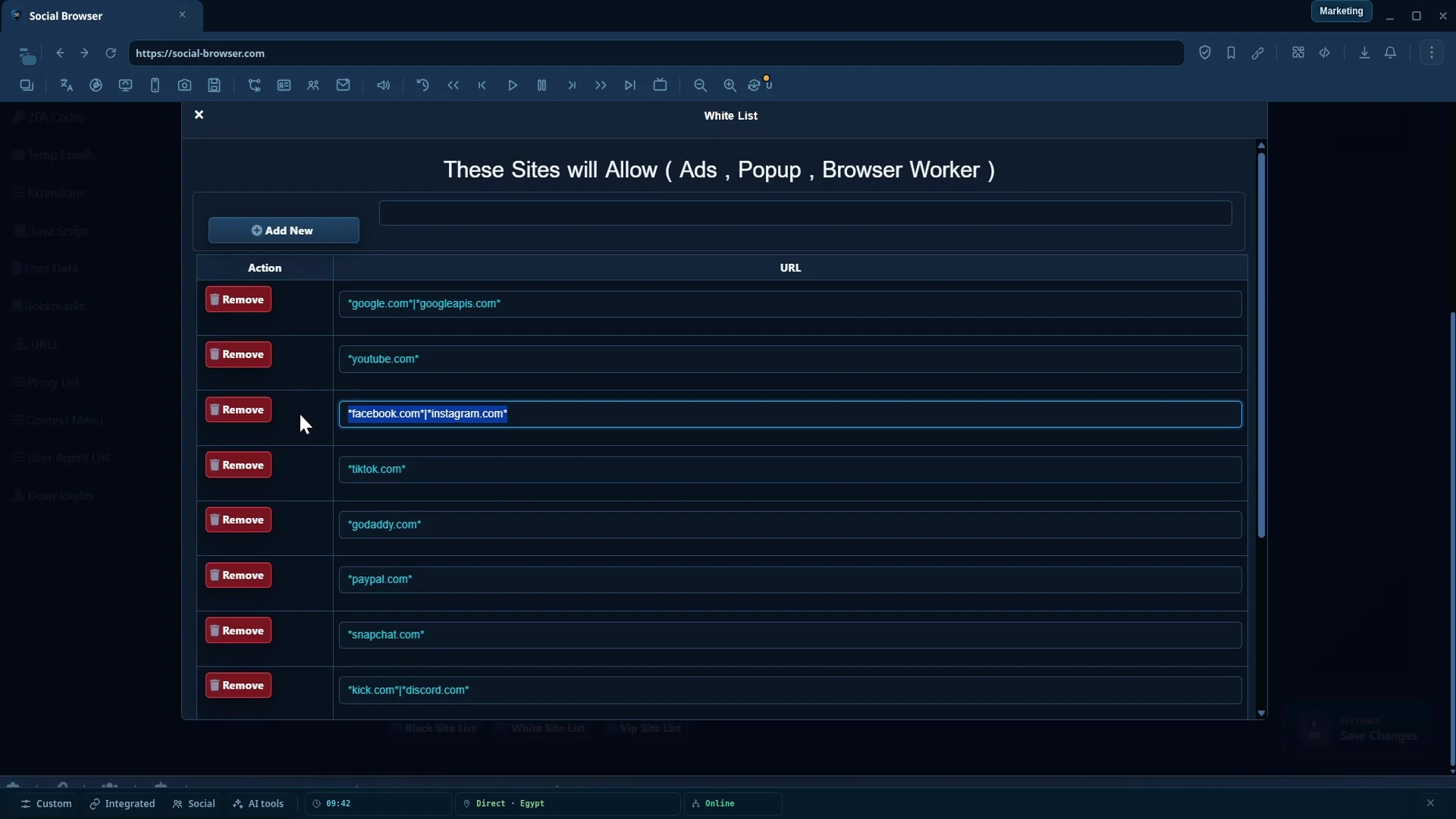
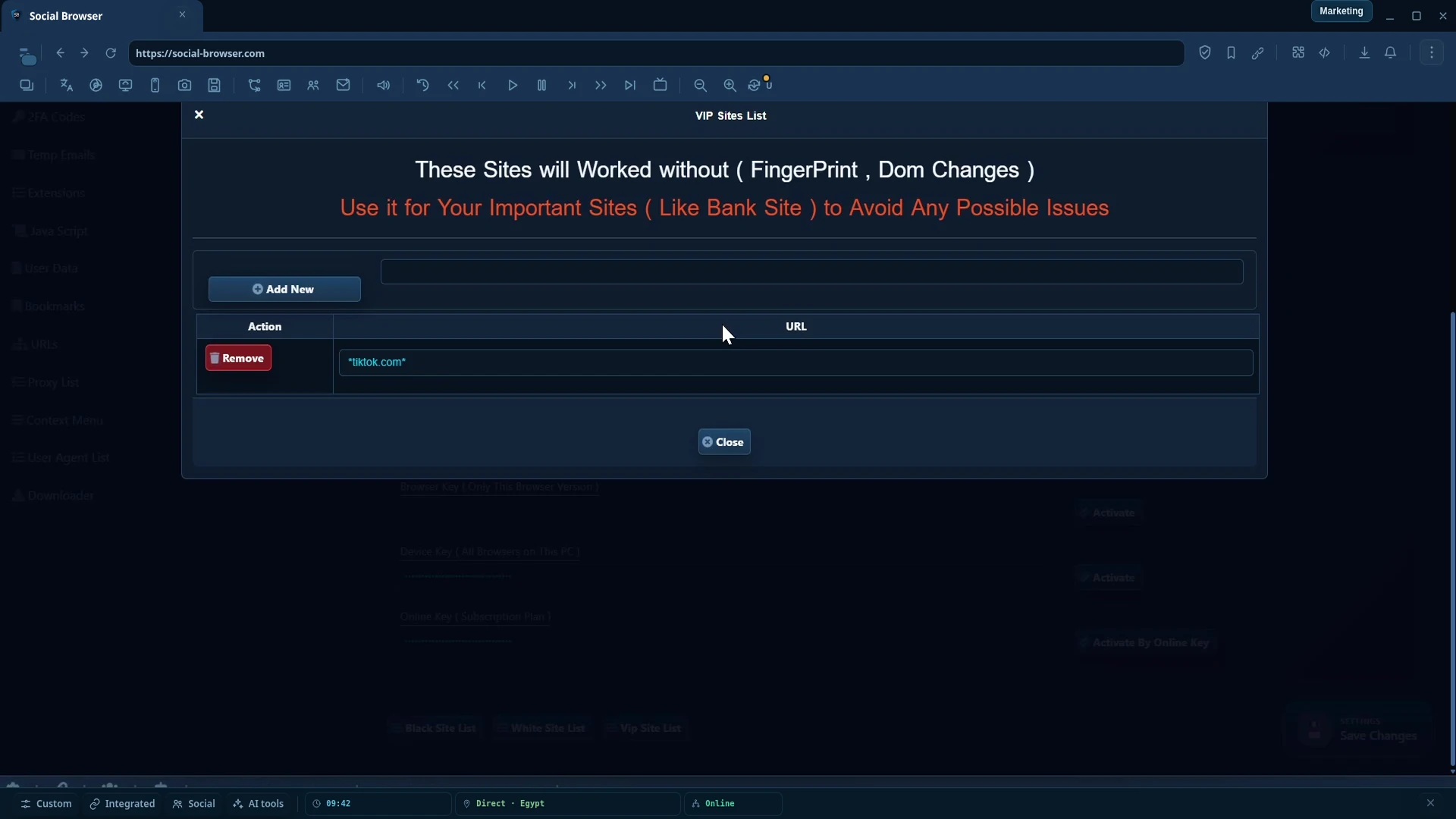
- Test Basic or VIP compatibility behavior for complex trusted sites.
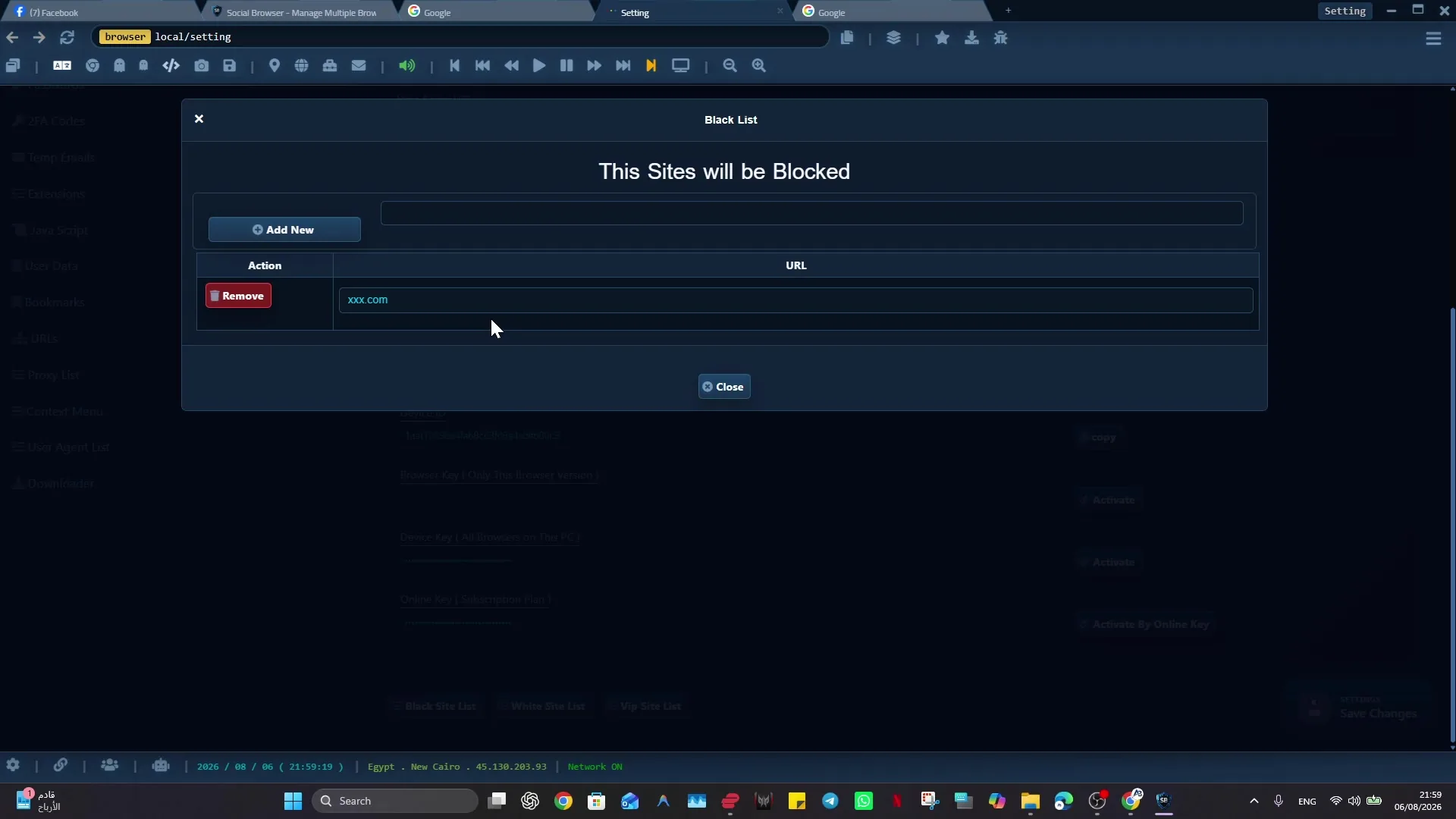
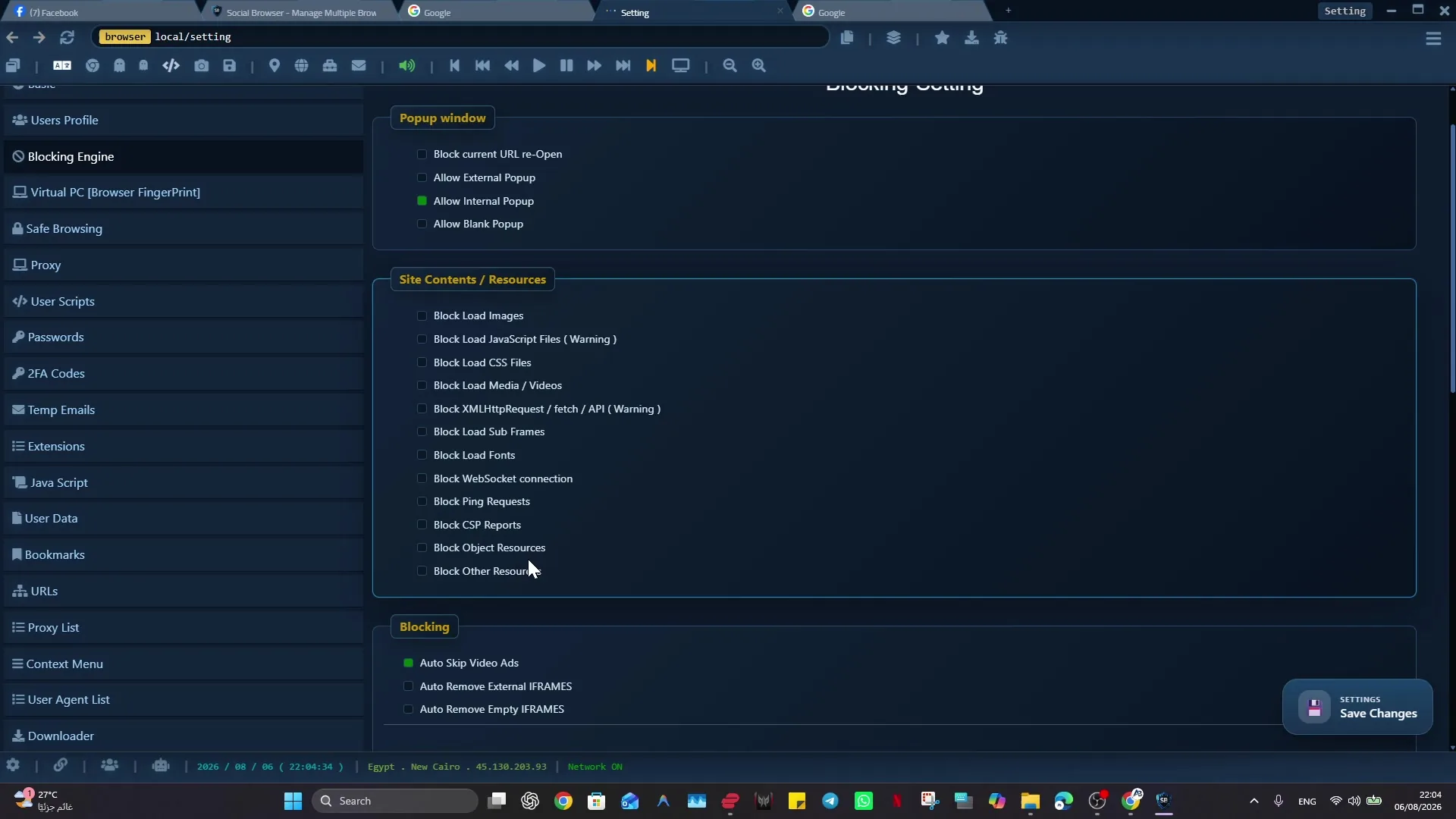
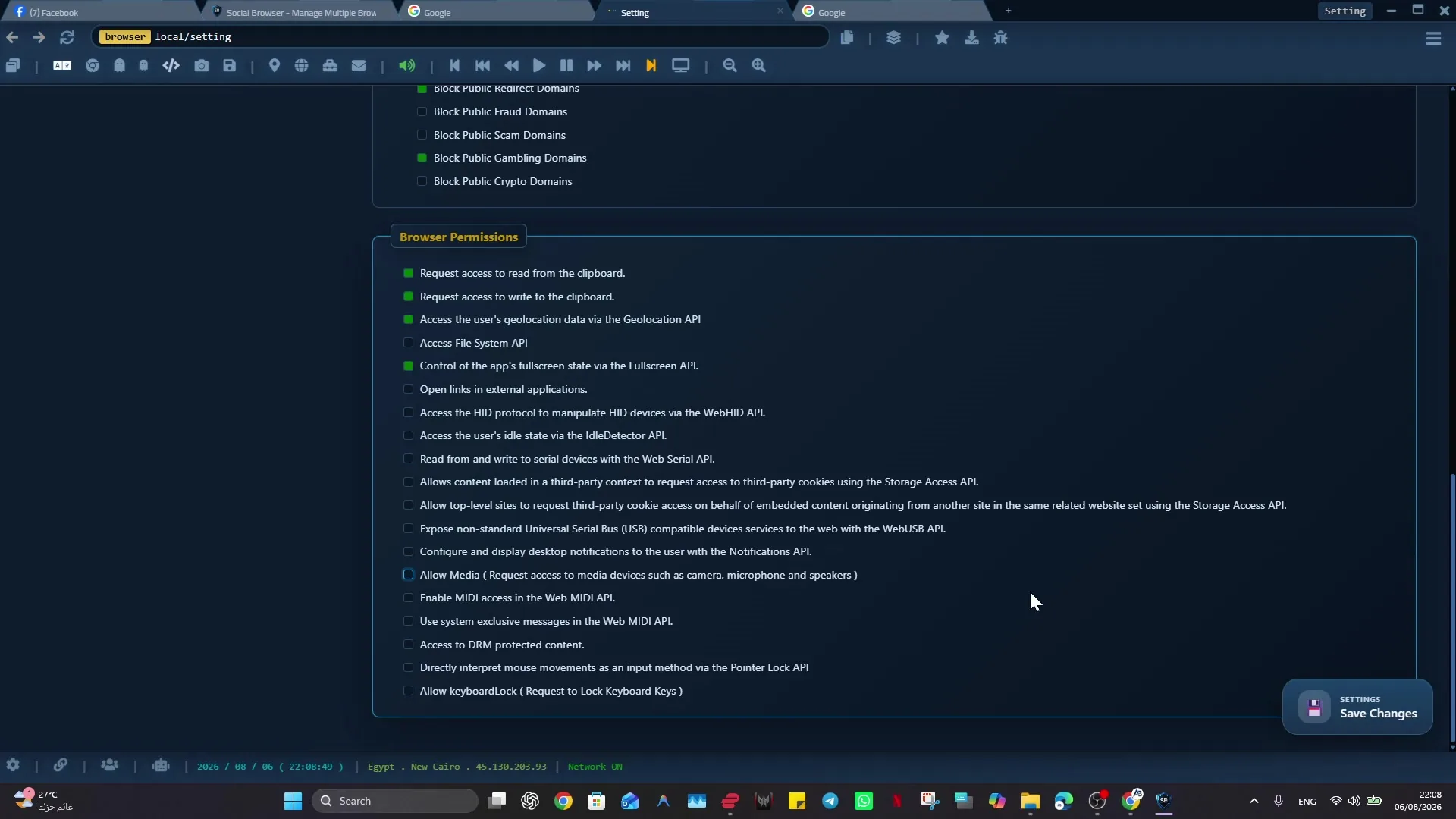
- Review window-level resource blocking for images, JavaScript, CSS, media, XHR, subframes, fonts, WebSocket, or popups.
- Review global Blocking Engine categories and selector rules.
- Temporarily test without the profile proxy if connection is failing.
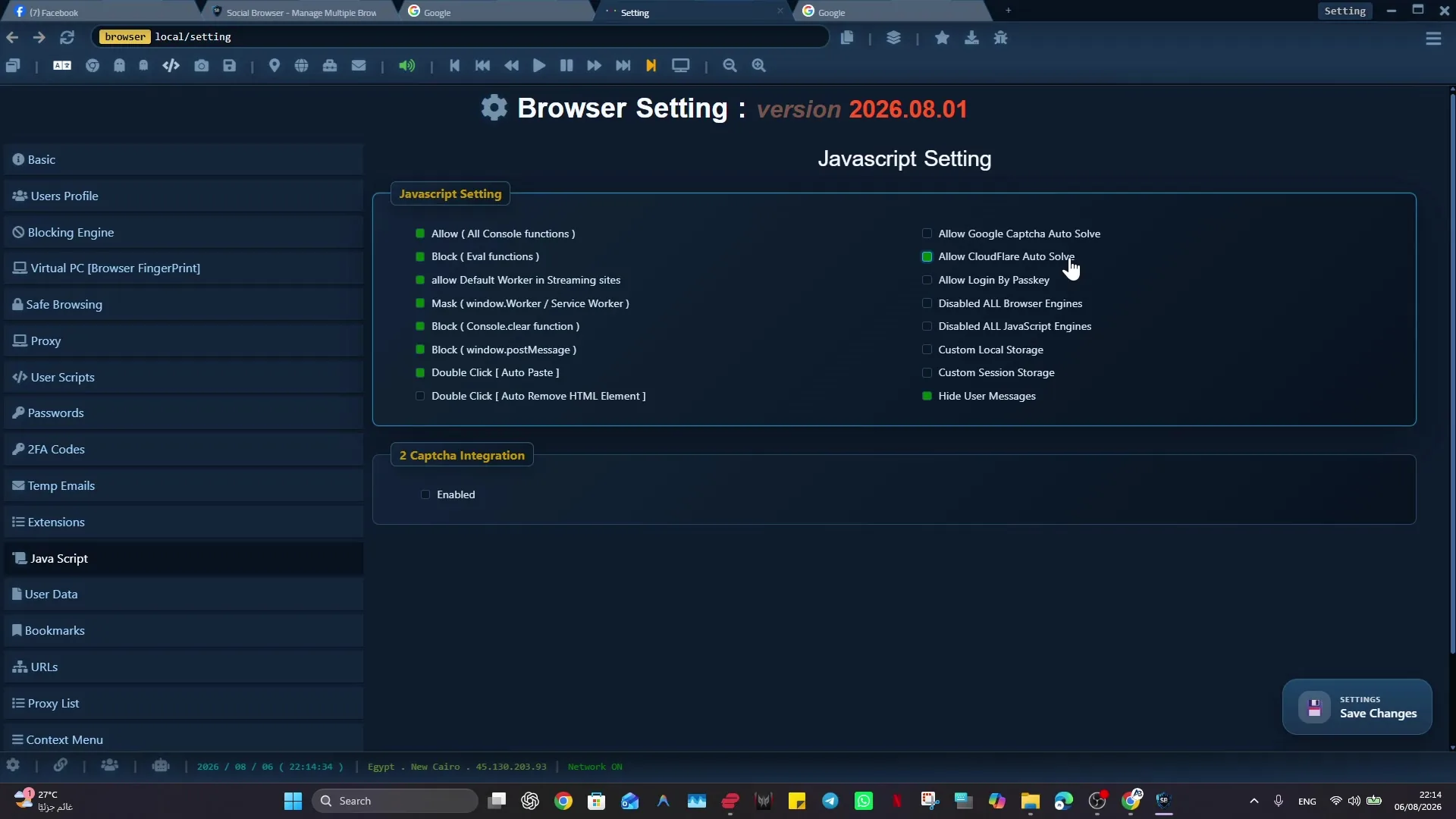
- Review advanced JavaScript or worker settings if the site is a streaming, banking, dashboard, or complex web app.
- Check permissions for location, camera, microphone, notifications, or media if the site needs them.
- Clear only the specific site data after you understand the impact on login state.
How To Check It Worked
- The page works in a clean profile or Basic/VIP mode.
- Disabling one blocking or JavaScript setting changes the result.
- The issue appears only with one proxy or network path.
- You can describe the smallest setting change that fixes the page.
Important Safety Notes
- Do not change many advanced settings at once or you will lose the cause.
- Clearing cookies or site data can sign you out.
- Aggressive blocking can break legitimate websites.
- Compatibility modes are for making trusted sites work, not for rule avoidance.
Troubleshooting
- If only video fails, review media blocking and worker settings.
- If login loops repeat, check cookies, storage, cache clearing, and the active profile.
- If popups do not open, review popup controls and blocked subframes.
- If the issue remains, collect version, URL, screenshot, and safe error text for support.
Responsible Use
When applying “Troubleshooting: A Site Does Not Load Correctly in Social Browser”, keep this limit explicit: architecture and product-direction articles explain a working model, not a promise that every future idea will ship exactly as described. Use the current Release Center and product pages as the source of truth for shipped capabilities. Validate ideas against a real workflow before standardizing them.